> ## Documentation Index
> Fetch the complete documentation index at: https://paragraph.com/docs/llms.txt
> Use this file to discover all available pages before exploring further.
# Manage account
> How to manage your account on Paragraph.
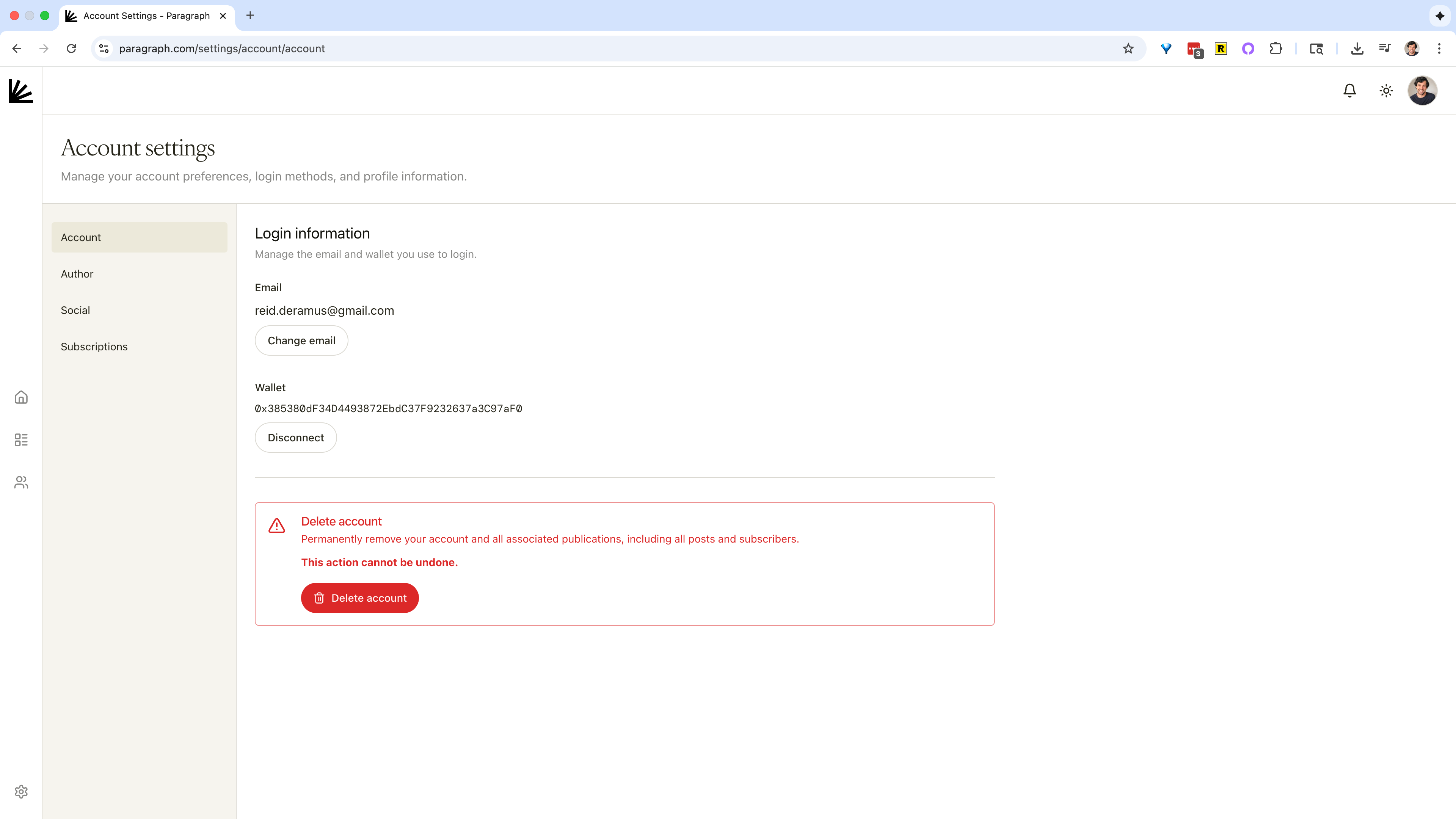
Where to find these settings: profile picture / avatar in top-right corner → [Account Settings → Account](https://paragraph.com/settings/account/account).
After creating an account, you can manage your account, including the ability to:
* **Change your login email.** Click **Change email**, enter a new address, and confirm.
* **Connect a wallet** for passwordless login and wallet-delivery of posts. Click **Connect wallet** and follow the prompt. (You can keep both email and wallet on the same account.)
* **Delete your account** (irreversible). This permanently removes your account and **all** publications, posts, and subscribers associated with it. Use this only if you’re sure.
Deleting your account is irreversible, so make sure you want to do it.\
\
If you want to remove duplicate posts, you can delete all the posts associated with your account in publication settings on the [import/export tab](/publish/export).