> ## Documentation Index
> Fetch the complete documentation index at: https://paragraph.com/docs/llms.txt
> Use this file to discover all available pages before exploring further.
# Notifications
> Stay informed about new subscribers and comments through email & in-app notifications.
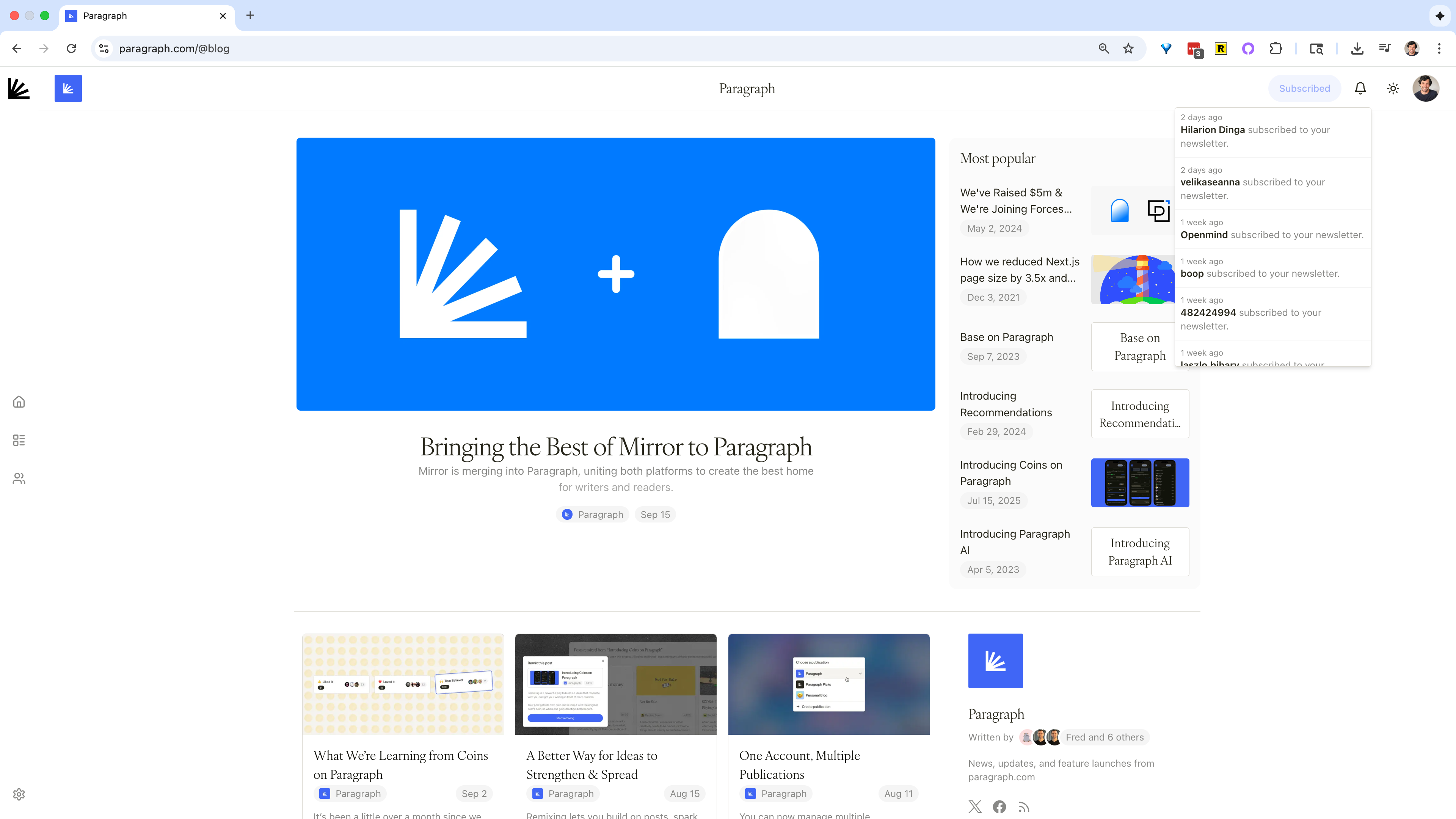
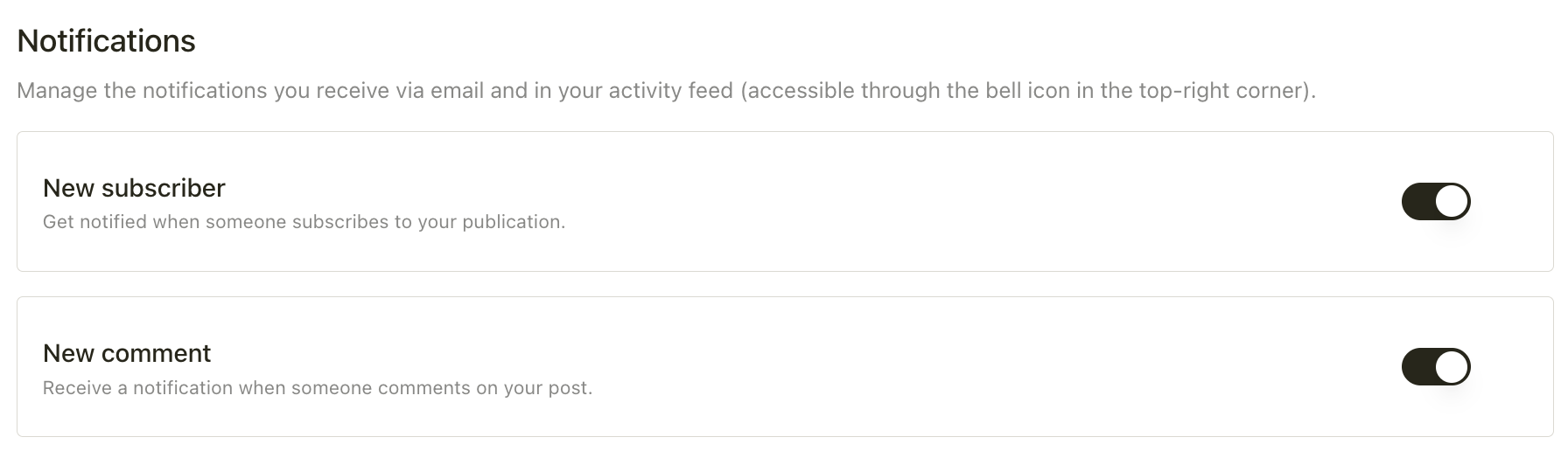
Stay updated on important reader activity with notifications. You can manage these in the **Notifications** section of the [Growth tab](https://paragraph.com/settings/publication/growth) in your publication settings. Notifications can be delivered both via email and in your Paragraph activity feed (accessible through the bell icon in the top-right corner).
 ### **Available notifications**
* **New subscriber** — get notified whenever someone subscribes to your publication.
* **New comment** — receive a notification when someone comments on your post.
### **How to use**
Each notification type can be toggled on or off, depending on your preferences. Turning them on helps you stay connected with your readers in real time, while keeping them off can reduce inbox noise if you prefer to check activity periodically.
### **Available notifications**
* **New subscriber** — get notified whenever someone subscribes to your publication.
* **New comment** — receive a notification when someone comments on your post.
### **How to use**
Each notification type can be toggled on or off, depending on your preferences. Turning them on helps you stay connected with your readers in real time, while keeping them off can reduce inbox noise if you prefer to check activity periodically.