> ## Documentation Index
> Fetch the complete documentation index at: https://paragraph.com/docs/llms.txt
> Use this file to discover all available pages before exploring further.
# Managing team members
> How to add, delete, and manage roles for team members on your publication.
Paragraph makes it simple to build a team around your publication.
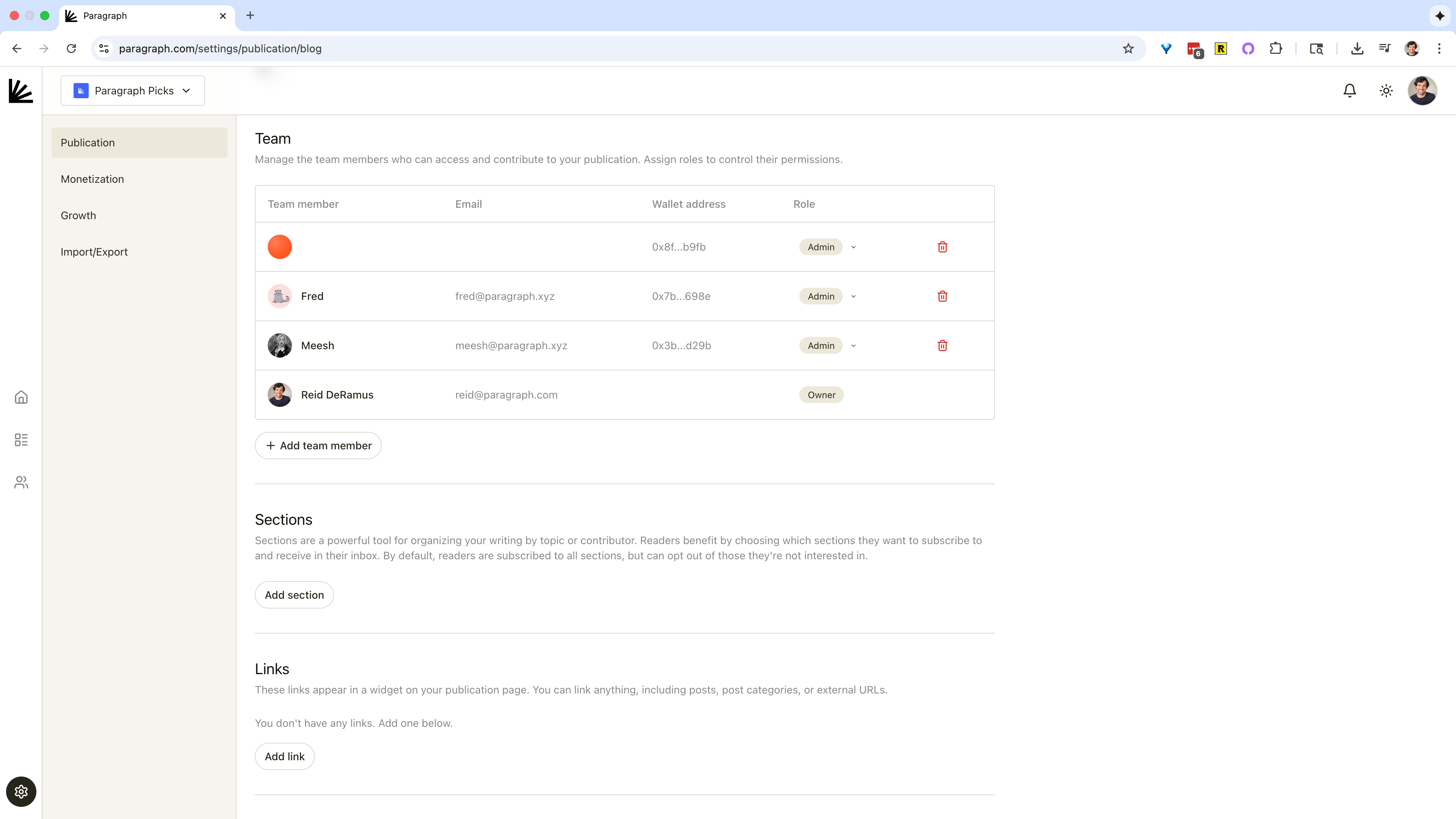
In the **Team** section of your [publication settings](https://paragraph.com/settings/publication/blog), you can add team members by entering their email address, wallet address, or both. Once added, they’ll be able to log into Paragraph and contribute to your publication.
 ### **Adding team members**
1. Go to [**Publication settings**](https://paragraph.com/settings/publication/blog)\*\* → Team\*\*.
2. Click **Add team member**.
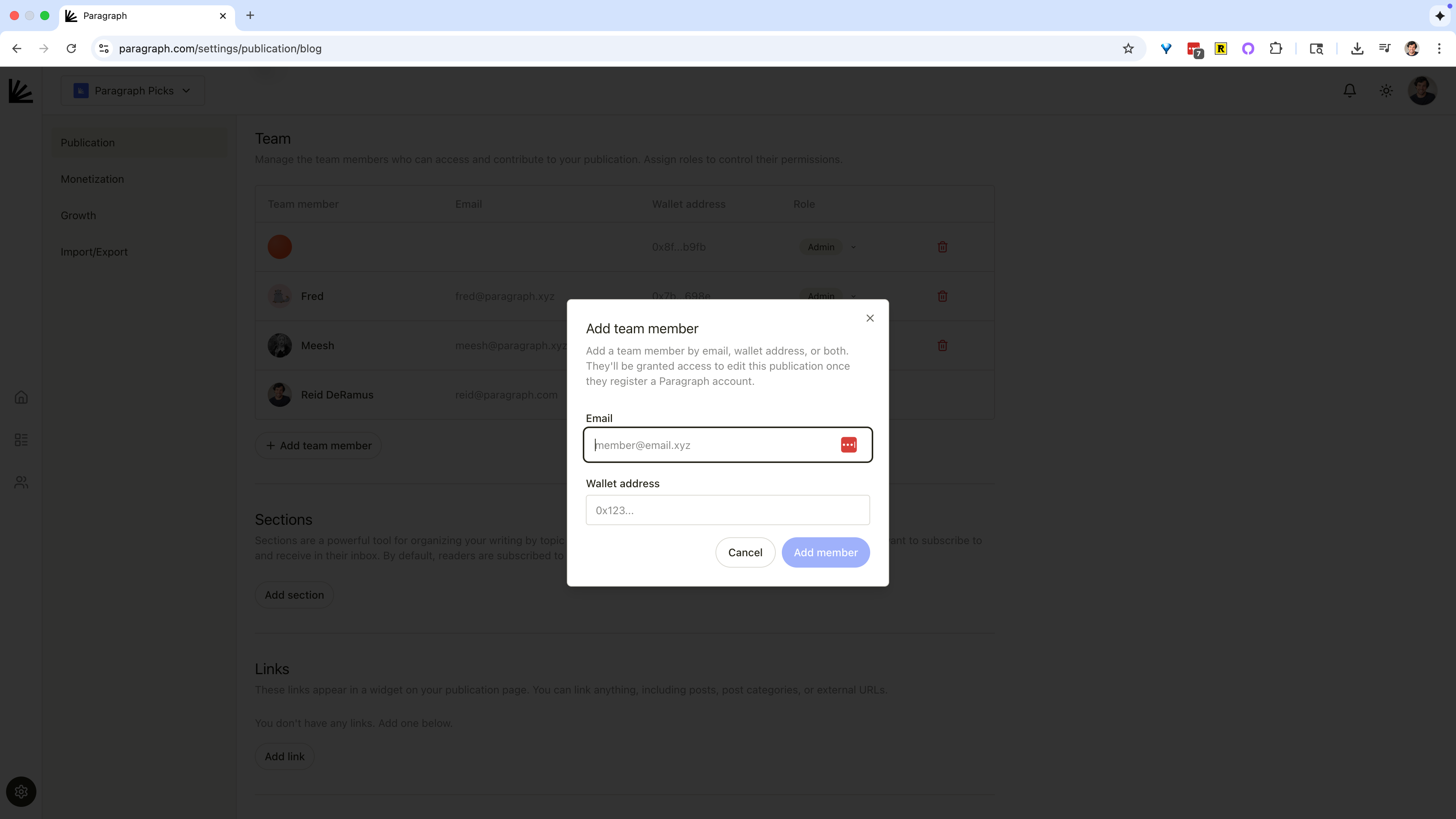
3. Enter the member’s email and/or wallet address.
4. Assign a role (Admin, Writer, Editor, or Guest Writer).
5. Click **Add member**.
When the person logs in (or signs up for a new account), they’ll automatically gain access to your publication with the permissions you set.
### **Adding team members**
1. Go to [**Publication settings**](https://paragraph.com/settings/publication/blog)\*\* → Team\*\*.
2. Click **Add team member**.
3. Enter the member’s email and/or wallet address.
4. Assign a role (Admin, Writer, Editor, or Guest Writer).
5. Click **Add member**.
When the person logs in (or signs up for a new account), they’ll automatically gain access to your publication with the permissions you set.
 ### **Roles and permissions**
Here are the default roles to choose from for each team member:
* **Owner** – full control over the publication.
* **Admin** – same as Owner, except cannot remove the Owner.
* **Writer** – can create, edit, and delete their own posts.
* **Editor** – can edit and publish posts by others, but cannot manage settings or team members.
* **Guest Writer** – can create and edit their own posts, but cannot publish.
* **No role** – removes permissions for that team member.
### **Roles and permissions**
Here are the default roles to choose from for each team member:
* **Owner** – full control over the publication.
* **Admin** – same as Owner, except cannot remove the Owner.
* **Writer** – can create, edit, and delete their own posts.
* **Editor** – can edit and publish posts by others, but cannot manage settings or team members.
* **Guest Writer** – can create and edit their own posts, but cannot publish.
* **No role** – removes permissions for that team member.