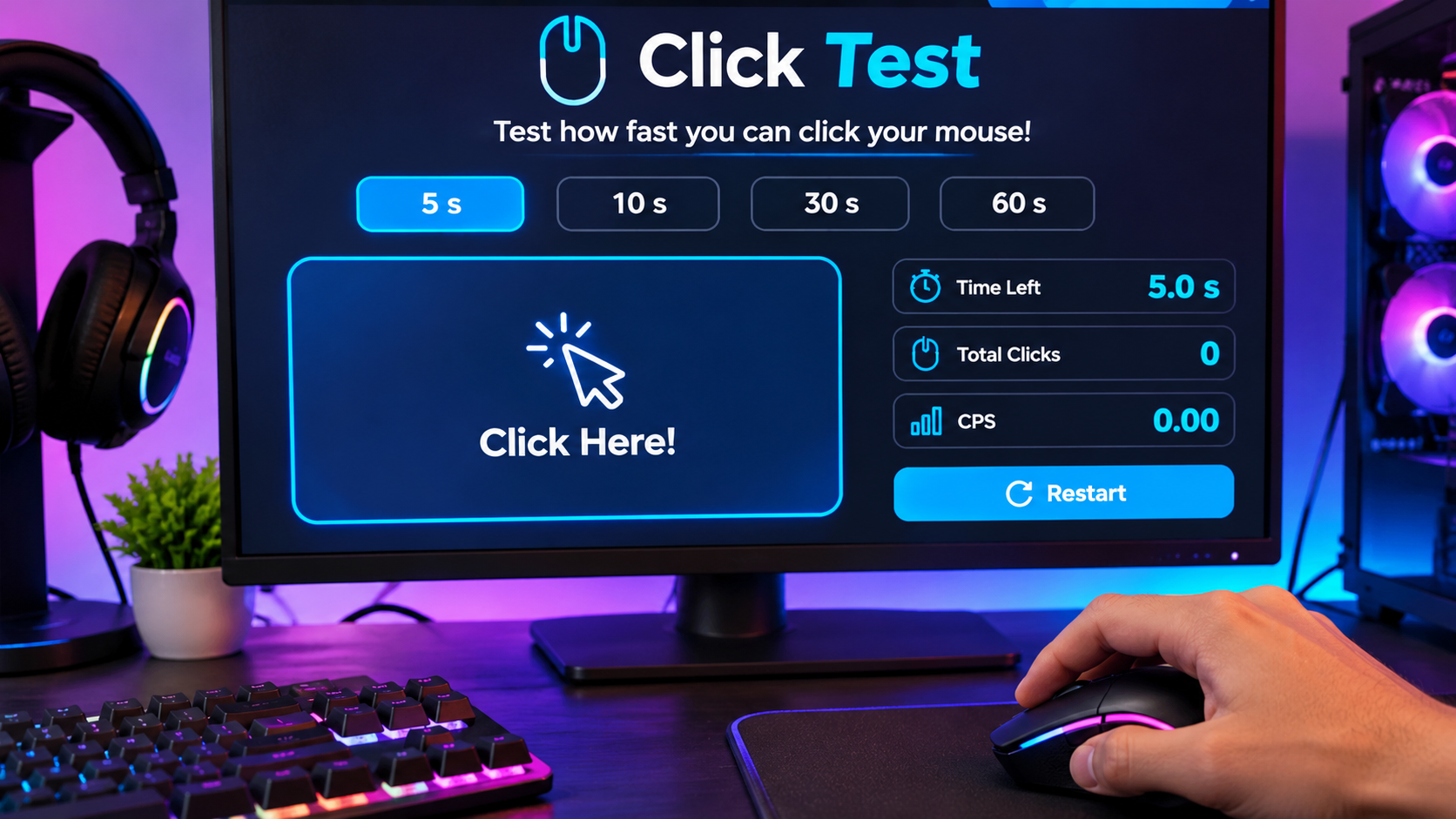
Have you ever wondered how quickly you can click your mouse? Clicking speed can be important in online games, especially when fast actions make a difference. A CPS Test is a simple way to measure how many times you can click your mouse within a selected time limit. It gives you a score that helps you understand your clicking performance and compare your results with previous attempts.
Whether you enjoy competitive games or simply want to challenge yourself, measuring your clicking speed can be an interesting experience. You do not need special equipment or complicated software. A browser-based testing tool is usually enough to get started.
What Is a CPS Test?
CPS stands for Clicks Per Second. It measures the average number of mouse clicks you make in one second. An online testing tool counts your clicks during a selected period and calculates your final score when the timer ends.
For example, if you make 40 clicks in 5 seconds, your result is 8 CPS. This means you averaged eight clicks every second during the test.
A CPS Tester is useful for gamers, beginners, and anyone interested in checking their mouse clicking speed. Most tools offer different time limits, allowing users to test both short bursts of speed and longer clicking performance. The results also make it easier to track progress and experiment with different clicking methods.
How Is Clicking Speed Calculated?
The calculation behind a clicking speed test is straightforward. You simply divide the total number of clicks by the number of seconds taken to complete the test.
CPS Formula:
CPS = Total Number of Clicks ÷ Test Duration in Seconds
For example, imagine you complete a 10-second test and register 60 clicks. Your final score would be 6 CPS. If you make 80 clicks in the same period, your result would be 8 CPS.
This calculation gives you an average rather than measuring every individual click separately. It is a simple way to compare your performance across different attempts.
What Is a Good CPS Score?
A good clicking speed depends on your experience, mouse, clicking technique, and comfort. Some users naturally click faster than others, while regular practice may help you become more consistent.
Here is a general guide to understanding different scores:
| CPS Score | Performance Level |
|---|---|
| 1–4 CPS | Beginner |
| 5–7 CPS | Normal clicking |
| 8–10 CPS | Fast clicking |
| 11–14 CPS | Very fast clicking |
| 15+ CPS | Advanced clicking |
These ranges are general reference points rather than official rankings. Your score may also change depending on the test duration and method you use.
Different Clicking Test Time Limits
Choosing the right duration can help you understand your clicking performance more clearly. Most online tools provide several options.
A 1-second test measures a very short burst of clicking speed. A 5-second test is useful for a quick challenge, while a 10-second test gives you more time to maintain a steady rhythm. If you want to check consistency, a 30-second test can be useful. A 60-second challenge focuses more on endurance and how well you maintain your clicking pace.
Beginners can start with five or ten seconds. Once they become comfortable, they can experiment with longer durations.
How to Take a Click Test
Taking an online clicking test is easy and does not require advanced computer knowledge. Follow these simple steps:
-
Open a free online clicking speed testing website.
-
Choose a time limit, such as 5 or 10 seconds.
-
Move your mouse pointer over the testing area.
-
Start clicking as quickly and comfortably as possible.
-
Continue until the countdown reaches zero.
-
Check your total clicks and final CPS score.
-
Repeat the challenge to compare your results.
Most testing tools begin the timer when you make your first click, although this can vary between websites. Always follow the instructions displayed on the testing page.
How to Improve Your Clicking Speed
Improving your clicking speed requires patience and regular practice. Instead of trying to achieve a very high score immediately, focus on developing a comfortable and consistent clicking rhythm.
Start with short testing sessions and compare your results over time. Use a mouse that fits your hand properly, keep your fingers relaxed, and avoid putting unnecessary pressure on your wrist. You can also experiment with different clicking techniques to find the method that works best for you.
Taking breaks is equally important. Repetitive clicking for long periods can cause hand or wrist discomfort. If you experience pain, stiffness, or numbness, stop practicing and allow your hand to rest.
Popular Mouse Clicking Techniques
Different clicking techniques can produce different results. Gamers sometimes use specialized methods to increase their clicking speed during certain activities.
Normal Clicking: This is the most common method. You use one finger to press and release the mouse button repeatedly. It is suitable for everyday computer use and basic clicking challenges.
Jitter Clicking: This method uses controlled, rapid muscle movement to produce repeated clicks. Some experienced players use it to increase their clicking speed, but excessive tension can cause discomfort.
Butterfly Clicking: This technique involves alternating two fingers, usually the index and middle fingers, on the same mouse button. Depending on the mouse, it can register more clicks than ordinary clicking.
Drag Clicking: This method uses friction between your finger and the mouse button to register repeated clicks. Its effectiveness depends on the mouse surface, switch design, and other hardware characteristics.
Not every mouse supports these techniques equally well. Some gaming servers may also have rules restricting certain clicking methods.
What Factors Affect Your CPS Score?
Your clicking speed is influenced by more than just finger movement. Mouse quality, button responsiveness, clicking technique, and physical comfort can all affect the final result.
A mouse with worn switches may fail to register some clicks or produce unwanted double clicks. Browser performance can also influence how smoothly a testing tool records input. In addition, fatigue can make it harder to maintain a consistent rhythm during longer challenges.
For more reliable comparisons, use the same mouse, browser, and time limit across multiple attempts.
Does Clicking Speed Matter in Gaming?
Clicking speed can be useful in games that involve repeated mouse actions. For example, Minecraft players sometimes use different clicking techniques during PvP matches and other activities.
However, clicking faster does not automatically make someone a better gamer. Accuracy, timing, movement, strategy, and knowledge of game mechanics are also important. A high score is simply one way to measure your mouse clicking ability.
Frequently Asked Questions
What does CPS mean?
CPS means Clicks Per Second. It measures the average number of mouse clicks you make in one second.
What is a normal clicking speed?
Around 5–8 CPS is a useful general reference for ordinary clicking, although individual results can vary.
Can I take a clicking test for free?
Yes. Many browser-based testing websites provide free tools without requiring software installation.
Can I test my clicking speed on a phone?
Some websites support touchscreen tapping. However, touchscreen results should not be compared directly with mouse clicking scores.
Why does my CPS score change?
Your score can vary because of fatigue, clicking rhythm, mouse performance, and small differences in timing. Try several attempts to understand your usual performance.
Conclusion
Measuring your mouse clicking speed is a simple way to understand your performance and challenge yourself. You can experiment with different time limits, compare your scores, and explore various clicking techniques to discover what works best for you. Whether you are a casual computer user or a gaming enthusiast, regular practice can help you become more familiar with your clicking abilities. Focus on consistency, accuracy, and comfort instead of chasing the highest score every time.