Just install Raycast and start using it for Google Search/AI; the best way to improve Raycast is to learn and customize it over time
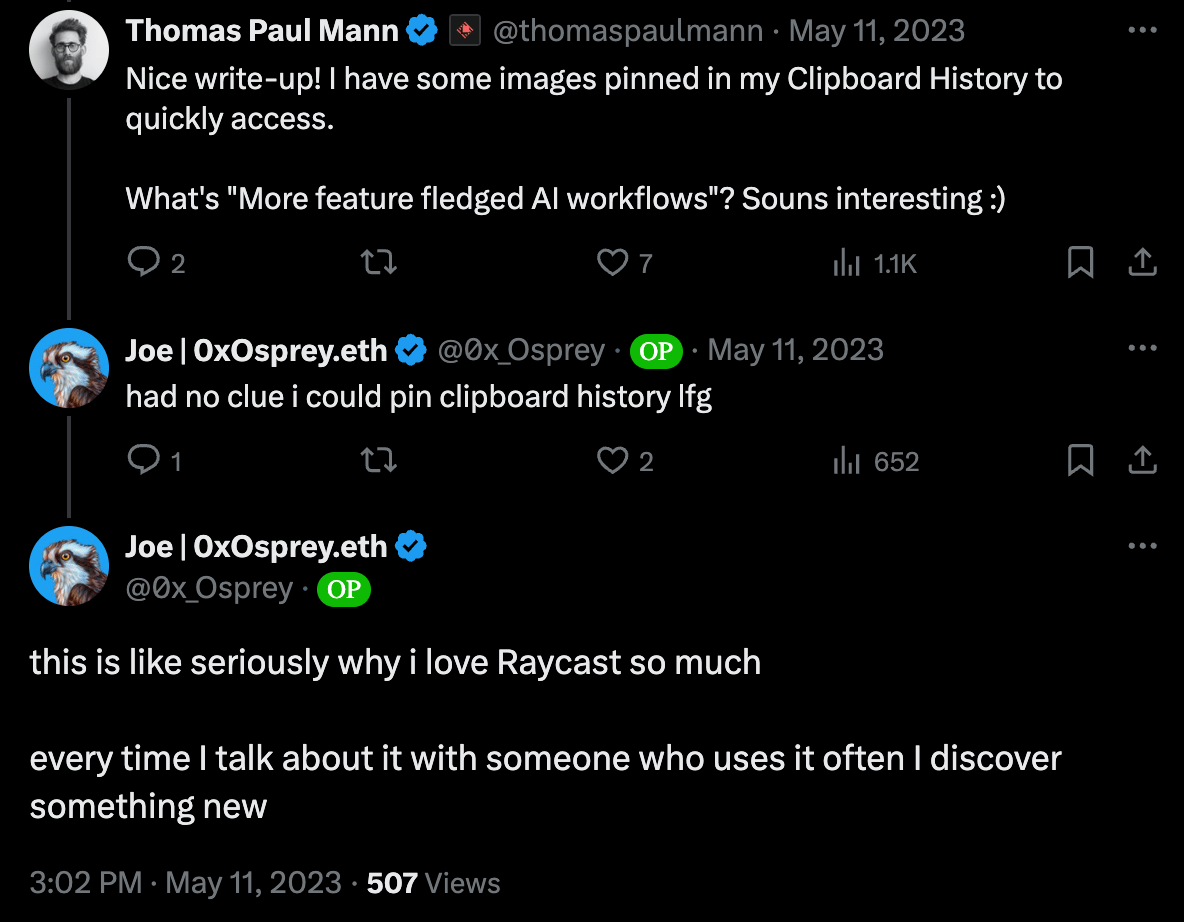
Don't get intimidated by advanced use cases; it takes time to memorize and take full advantage of Raycast's features
Begin to familiarize yourself with the
Raycast Settingswindow
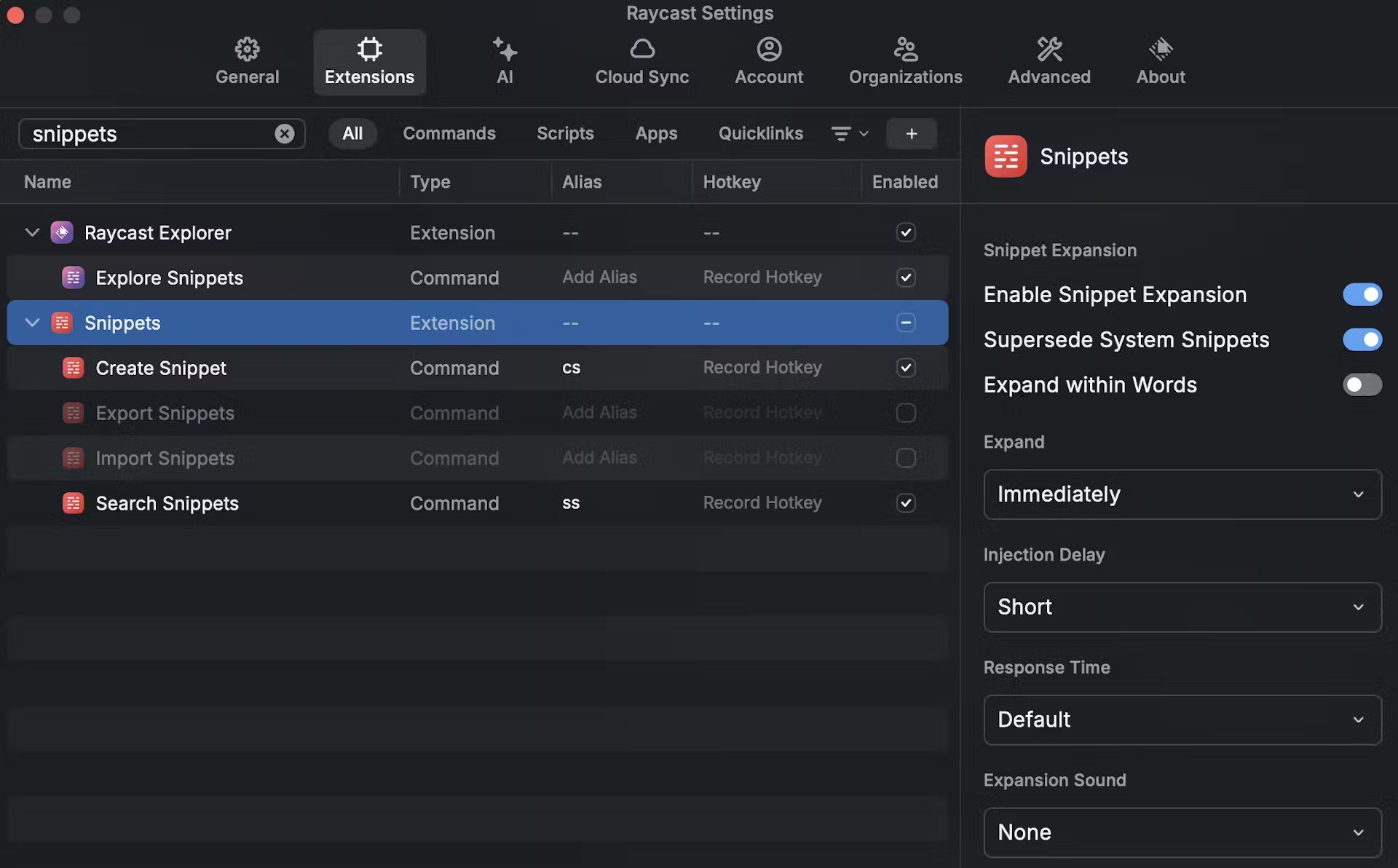
Start disabling commands you don't use by selecting them, using the
Action MenuviaCMD + Kand thenDisable CommandChange the
Pop to Root Searchpreference to your liking inAdvanced SettingsIf you are using your mouse, you're doing it wrong 😉
Reorder, enable and disable
Fallback CommandsusingManage Fallback Commandstl;dr:
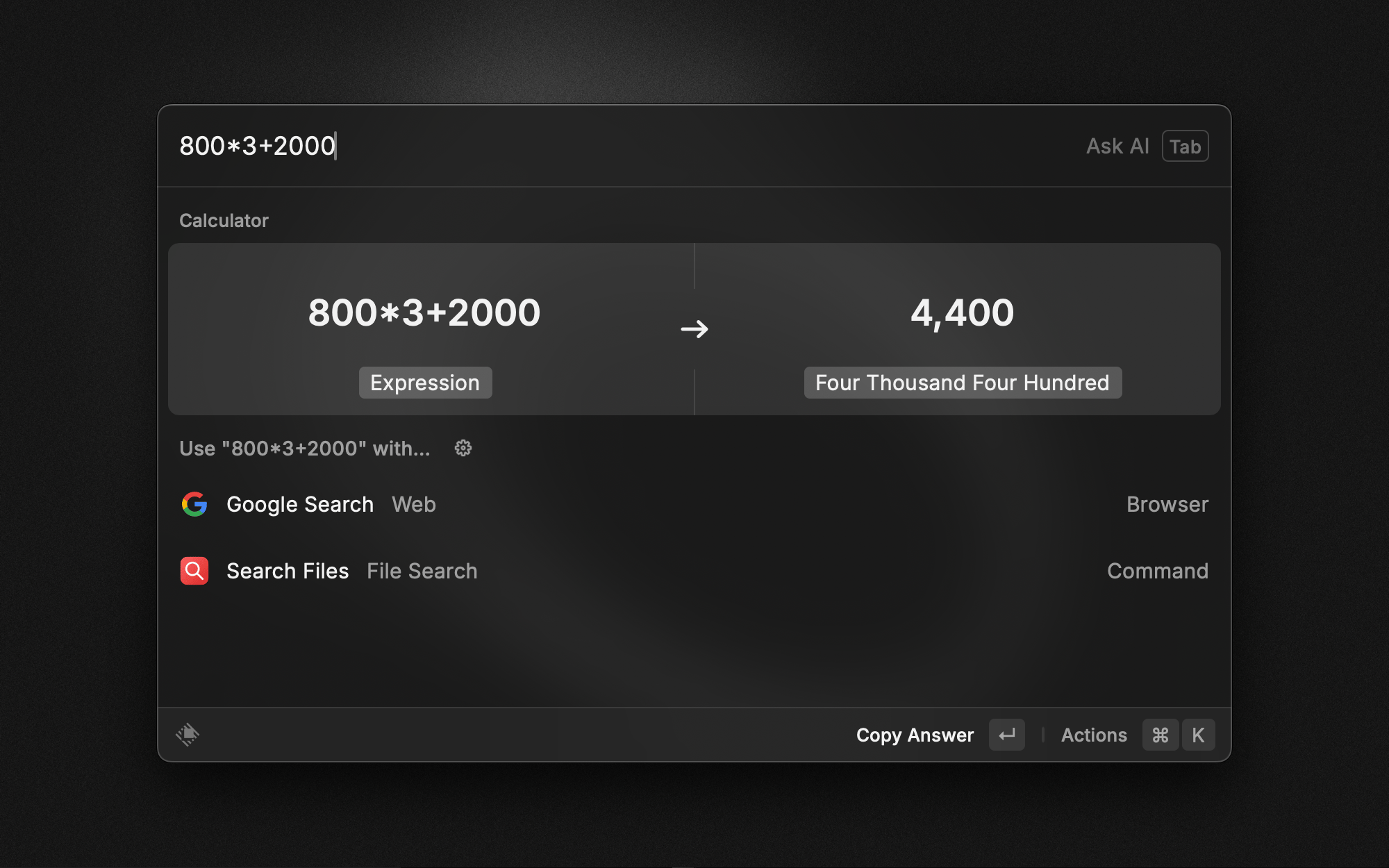
Enter= Google Search andTab= AI model of your choice
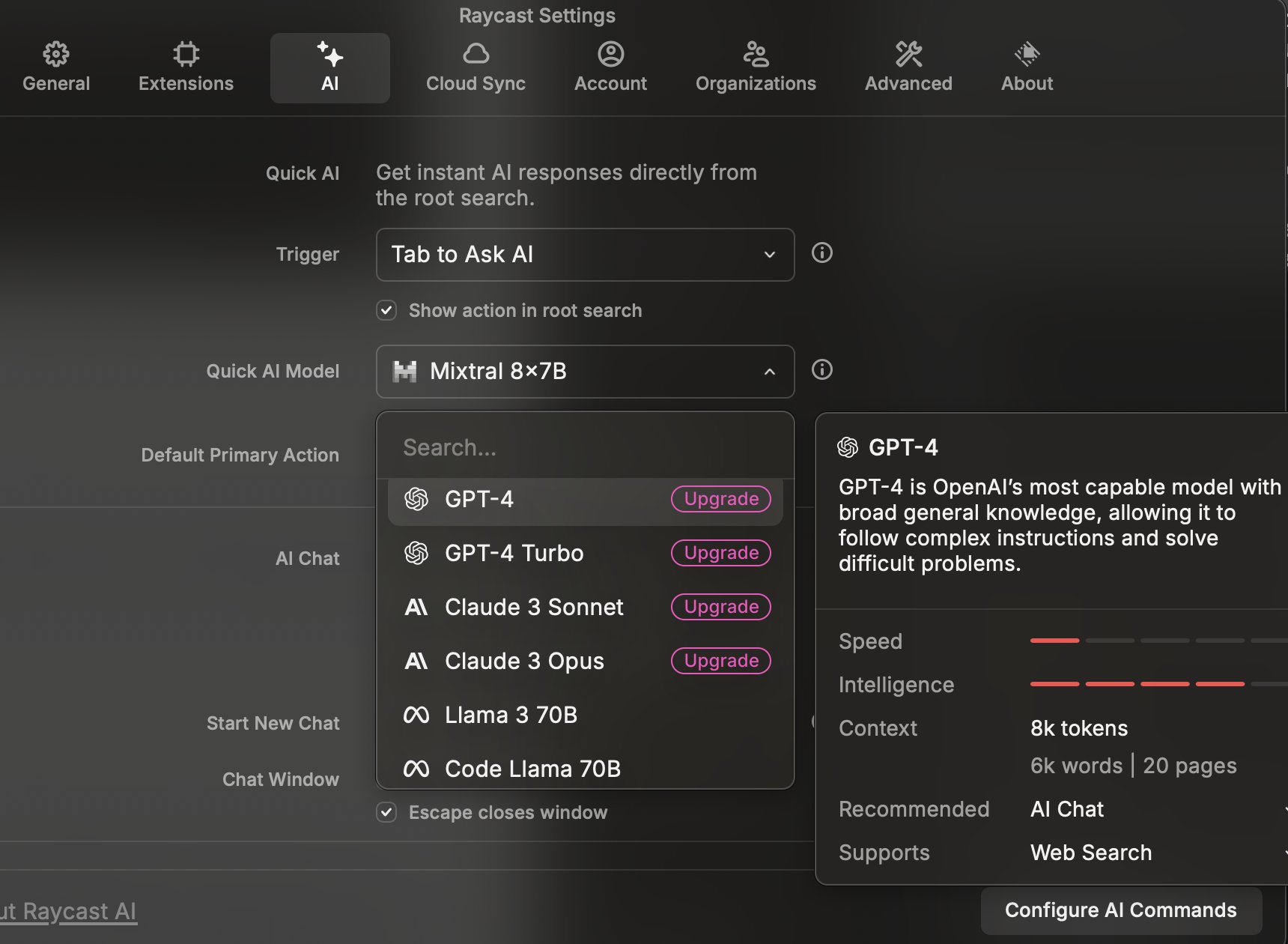
Customize your Quick AI models in settings
Anything you find yourself typing a lot you should create a snippet for such as your email, phone #, address, calendar link, etc.
Check out
Explore Snippetsfor useful suggestionsIf you mistype something often, you can use a Snippet to force autocorrection of it
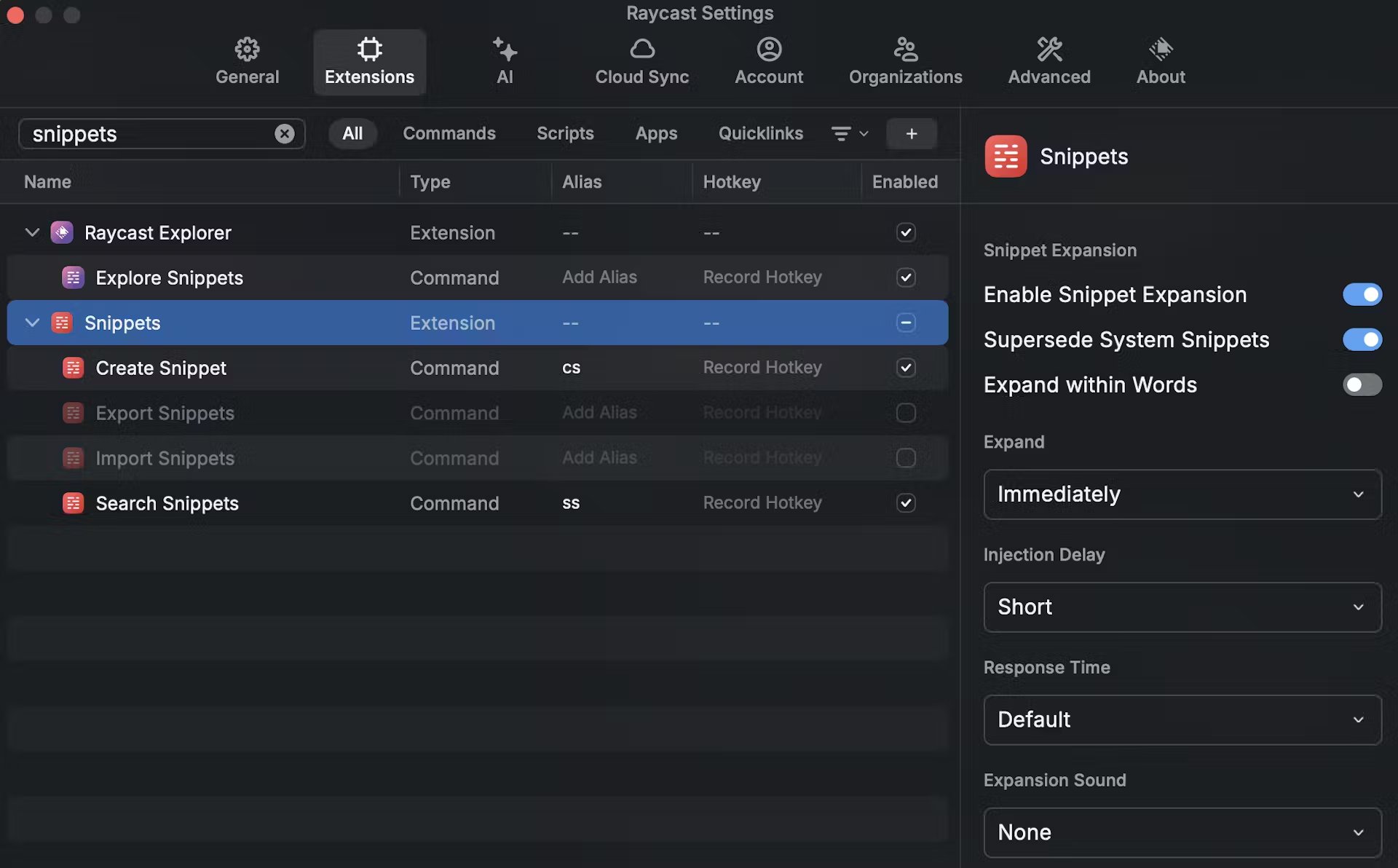
Add snippets for you favorite emojis (Example: I use
/salfor 🫡)You can use dynamic placeholders to leverage more complex snippets and even recursive snippets
Create Quicklinkwill autofill if your active window is a web browser
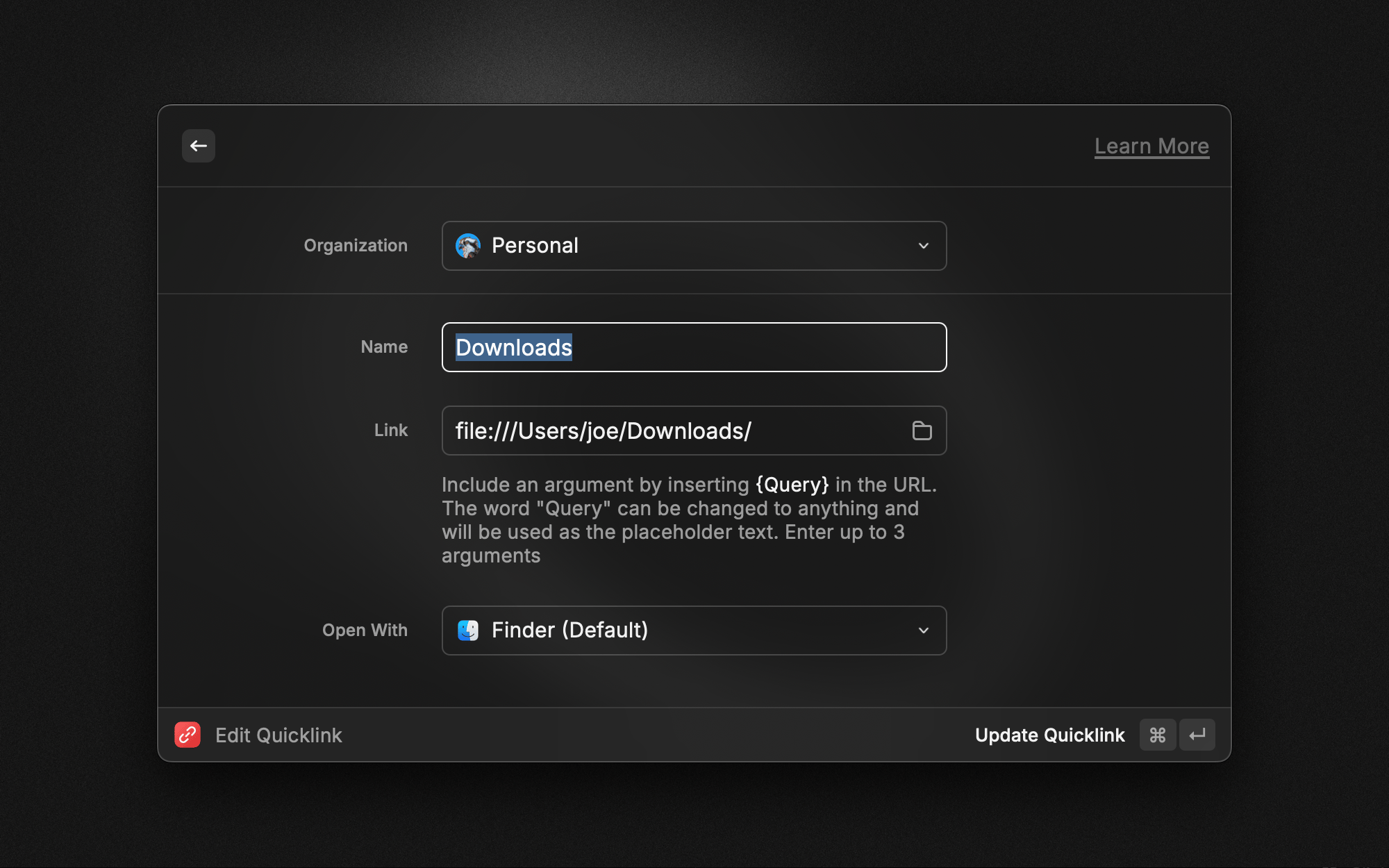
You can use dynamic string inputs that will auto encode for URLs
Example: Search your past tweets with
https://twitter.com/search?q={Query}%20from%3A0x_Osprey&f=live- replace 0x_Osprey with any username
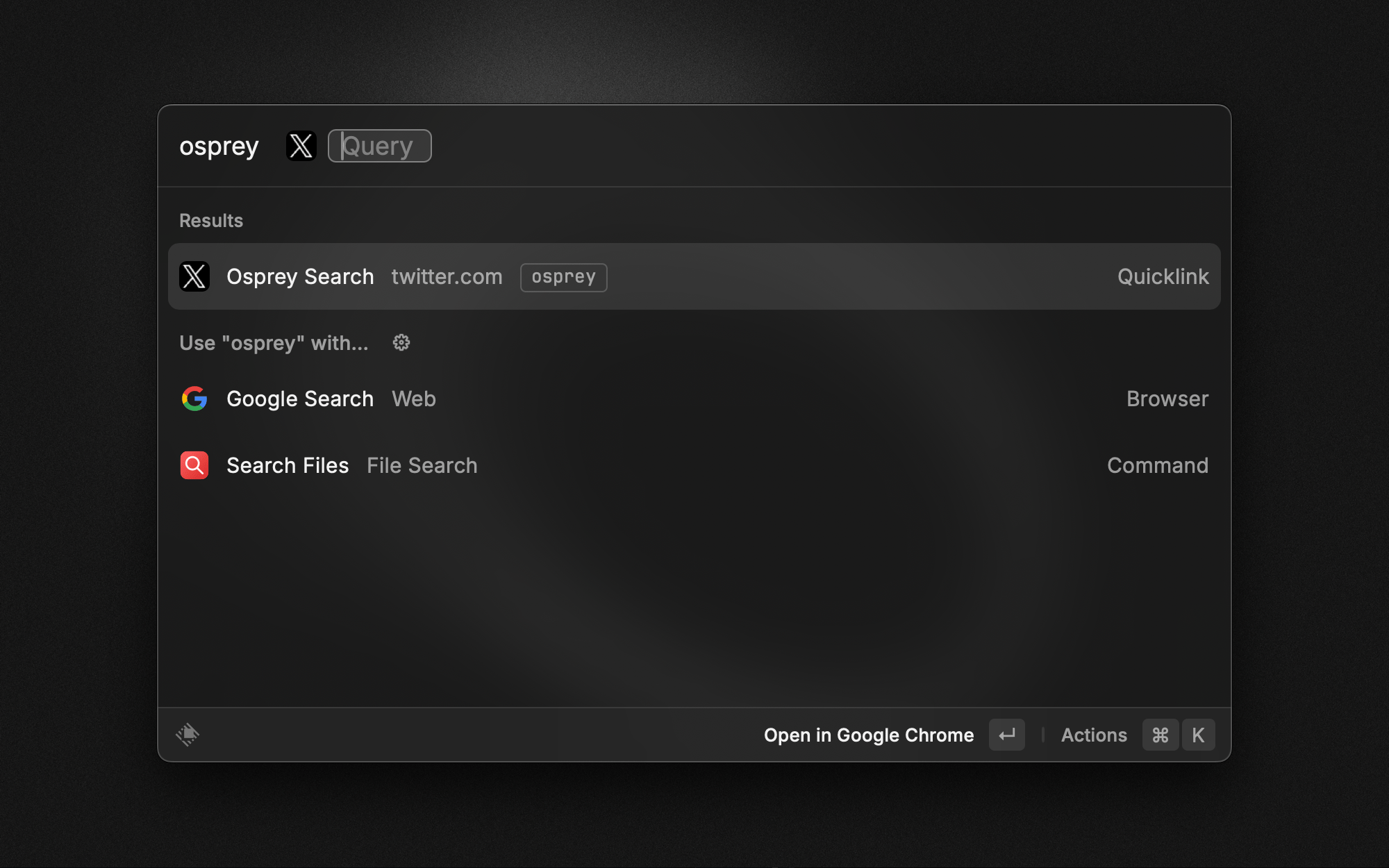
Clipboard Historyis absolutely amazing and you won't know how you used your Mac without itLots of useful functionality in the
Action Menuof each item such asSave as SnippetandSave as File
Switch Windowsallows you to quickly search and switch to any active application/windowThis has entirely replaced
Cmd + Tabfor me
Window Managementallows you to quickly shift your windows aroundI hotkey
Move LeftandMove Rightand also use Rectangle for dragging windows to portions of my screenIt has a lot of over granular commands on by default (ie
Bottom Center Sixth) so disable those if you don't use them
Search Menu Items(Deeplink) allows you to use text search for the Menu bar (including nested items) of your active application/windowI personally prefer this as it has replaced a lot of app specific hot keys I used to have to memorize and rebind
Examples:
In VS Code, I can hit my hotkey and type
Terminalinstead of using my mouse to find the optionIn Chrome, I can hit my hotkey and type
Historyto open my history
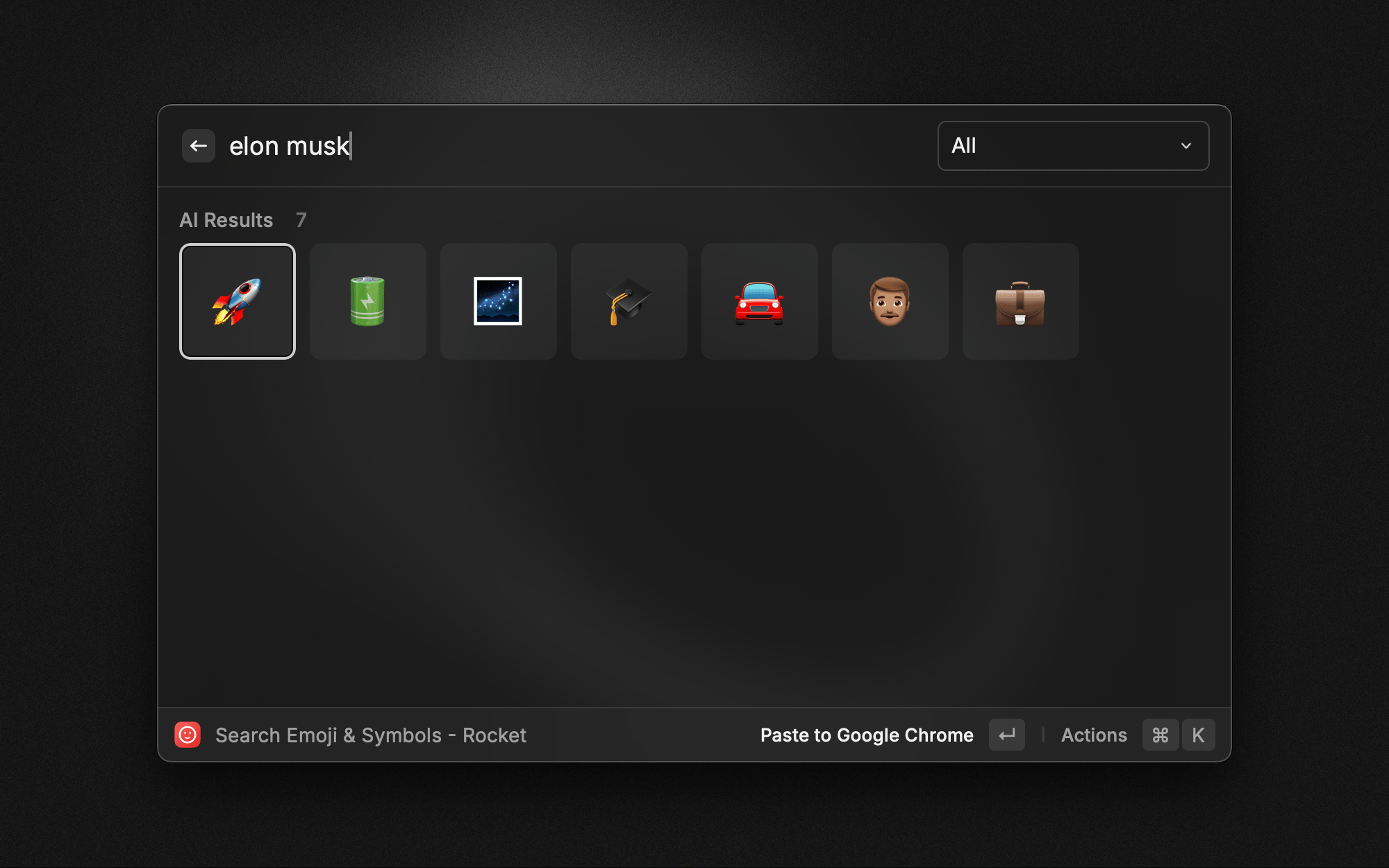
Emoji Searchallows you to quickly search emojisIt also was recently updated to include AI search functionality
There is likely an extension for the popular apps you use
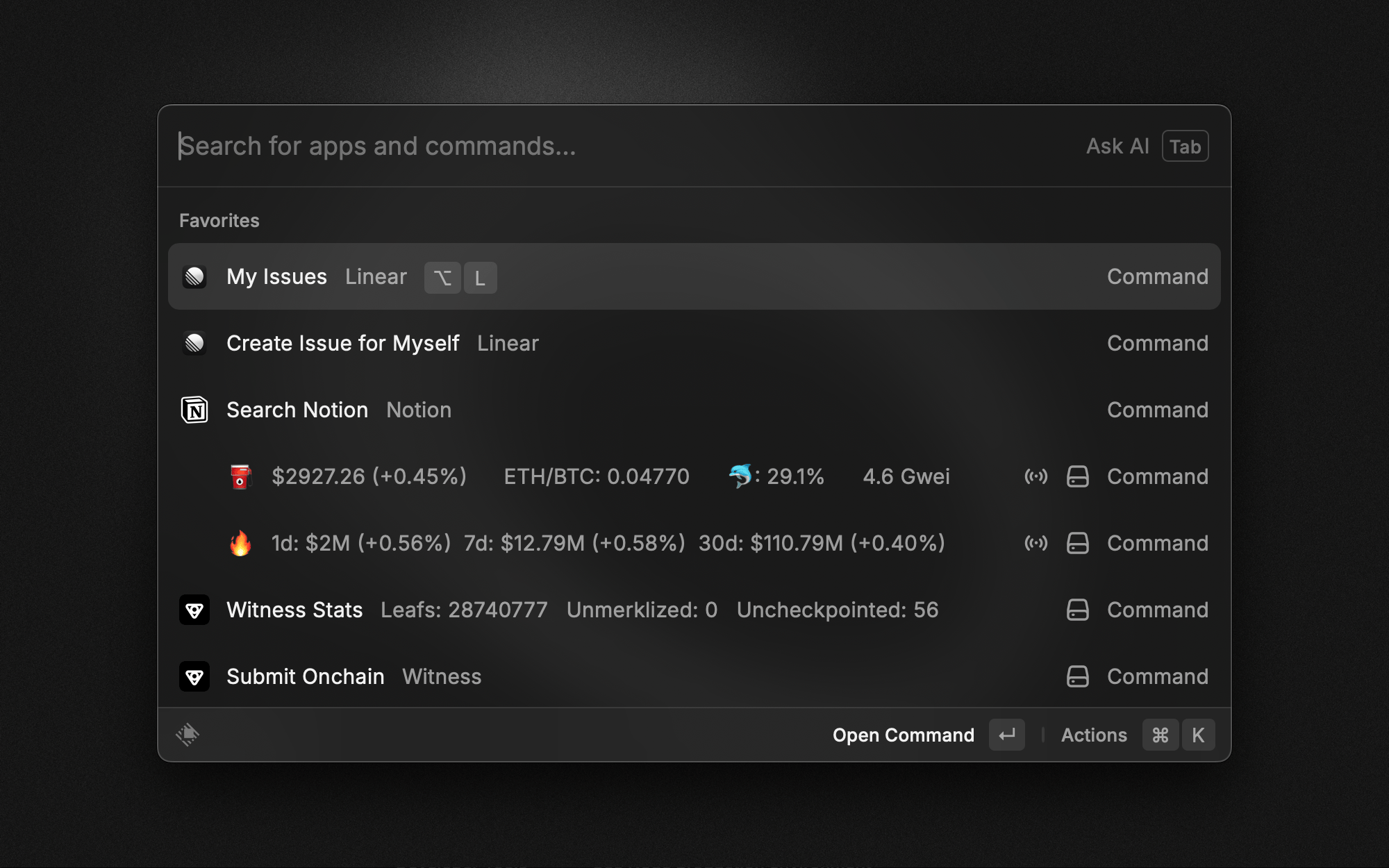
My most used are: Linear, Notion, Spotify Player, Toothpick (Bluetooth Switching),
Underrated Extensions
ScreenOCR: Extract text from screen captures
Coffee: Prevent the sleep function on your Mac
Color Picker: Pick and organize colors on your Mac
Meme Generator: Generate memes with the help of Imgflip API
Temporary Email: Quickly and easily create a temporary email
CoinGecko: Get crypto data from Coingecko (price, ticker, ranking)
Youtube Downloader: Download YouTube videos
Remove Background: Remove background from image with the Mac Vision API
You can make custom extensions and install them without needing the store
See Banteg's EIP extension that I use even though it's unpublished
Raycast also allows for really easy creation of Menu Bar Commands
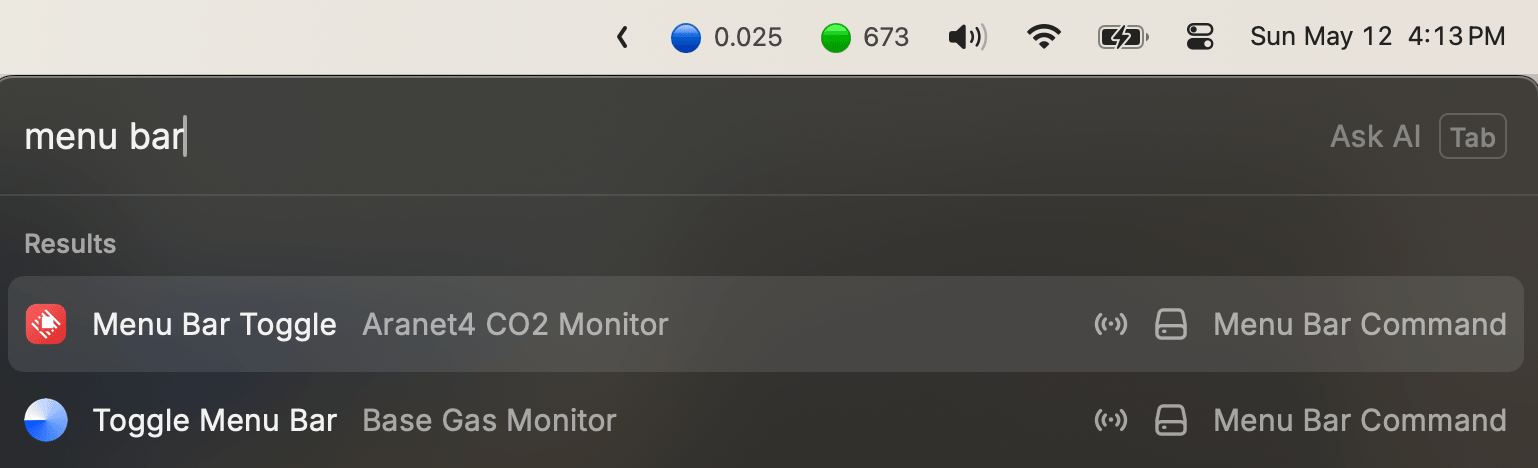
My most used is an Executive Summary command that will quickly summarize any webpage I'm looking at using the
{browser-tab}dynamic placeholderInstall the Raycast Browser Extension so that these commands can use the text on your browser as an input
Use the
Explore Prompts(Deeplink) feature to find various premade prompts
There is a public repo with popular scripts that you can download (audit and use at your own risk)
Here are a few of my custom scripts. Note that they may require application or library installs to function properly:
Parse and Open: Automatically parse and contextualize your clipboard
Example: Will open up Etherscan if you have an Ethereum address or transaction hash copied in your clipboard
ETH Price: Retrieve and copy the current ETH Price
Spongebob Text: TuRn yOuR ClIpBoArD TeXt iNtO SpOnGeBoB MeMe fOrMaT
Rewind Twitter Search: Opens a search for your tweets from 1 year ago
Shorten URL: Shortens a URL in your clipboard
Telegram Search: Searches and opens Telegram chats
Thanks for reading! Feel free to use my referral link and try Raycast Pro! Tag me on /raycast if you have questions!