
Every AI assistant asks for something in return: an account, a phone number, a history of everything you’ve ever asked.
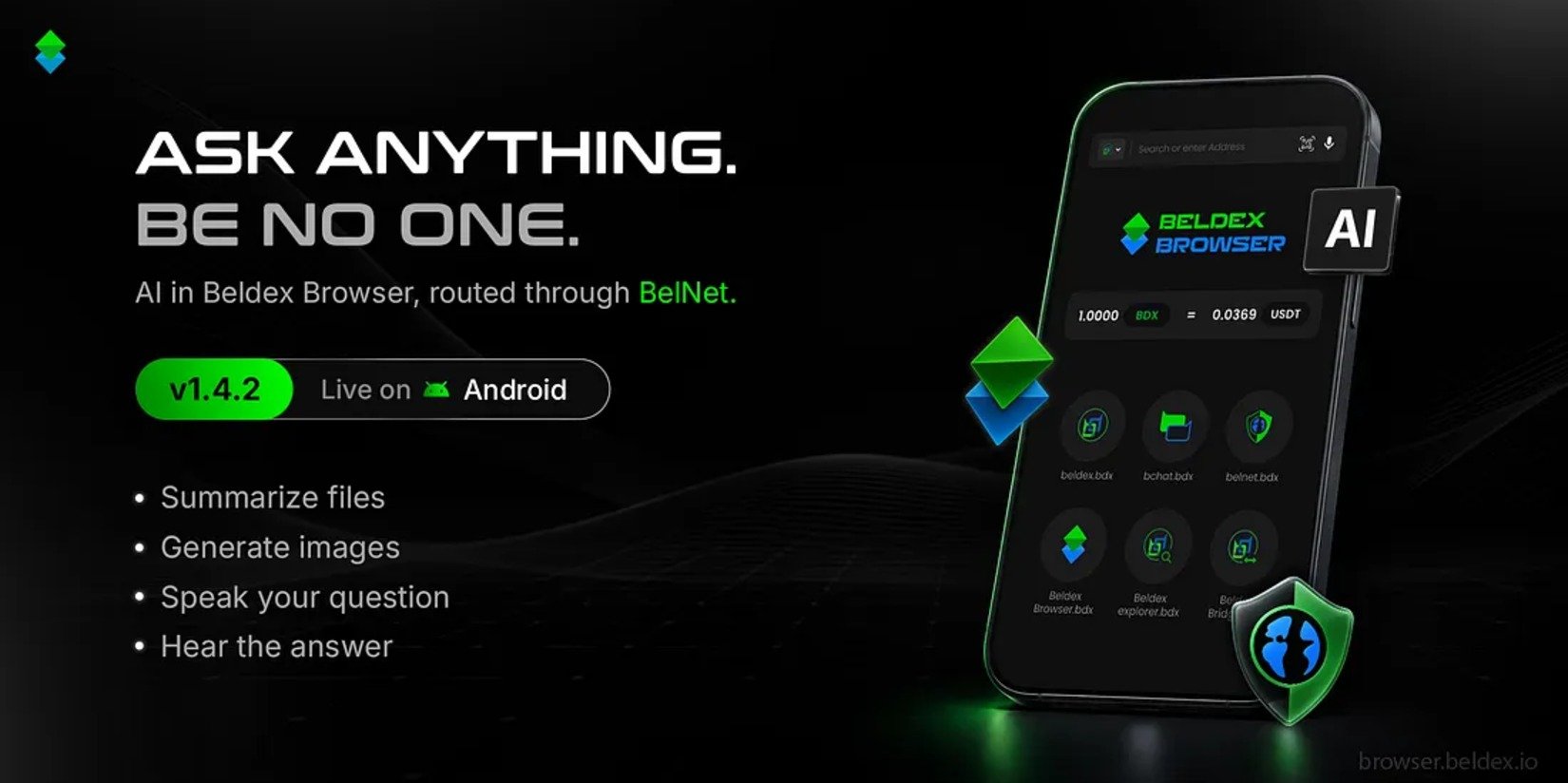
Beldex Browser v1.4.2 brings AI to your browser on different terms. Ask, summarize, create and listen, without handing over who you are.
Attach a document and get the key points in seconds. Beldex Browser reads PDF, Word, Excel, TXT and CSV files, plus common image formats. Attach up to 10 files per message (up to 10 MB per document and 5 MB per image).
Text is extracted on your phone, and photo metadata is stripped from images before anything is sent. Your files are deleted when you close the session, and nothing is cached.
The same works for web pages: get a quick summary of what you’re reading without leaving the tab.
Describe what you want and get a 1K image back. Every user gets a free daily allowance of 20 images, no sign-up needed. Generated images carry provenance markers, so they can be identified as AI-made.
Tap the microphone and speak your question. The mic turns on only when you tap it. There is no wake word and no always-listening mode.
Tap a button on any reply and Beldex Browser reads it aloud. Great for when your hands are busy. Voice currently supports English (en-US), with more on the way.
Most AI tools know exactly who you are. Beldex Browser’s AI is built so the AI provider doesn’t.
Your phone → BelNet (onion-routed) (encrypted, hop by hop)
→ Exit node (sees only the destination)
→ AI provider (sees your request, not who sent it)
Your IP address is hidden. Requests travel through BelNet, our decentralized VPN, so the AI provider sees an exit node’s address, not yours.
Encrypted all the way. Your connection to the AI provider is protected by TLS, so the relays and the exit node can’t read what you send.
No Beldex server in the middle. Beldex doesn’t run a server that your AI requests pass through.
No account, no login. There’s no user account, device ID or install ID attached to your requests.
No tunnel, no request. The Browser checks that BelNet is connected before sending anything.
The result: the AI can answer your question without learning that it was you who asked it.
Privacy claims only mean something when they’re specific. So here’s what this does and doesn’t mean:
The AI provider reads what you send it. It has to, to answer. What it can’t do is tie the request to your identity or location. Think of it as asking a question through a mask, not whispering it. Don’t send anything you wouldn’t be comfortable sending anonymously.
Voice input uses your phone’s built-in speech recognition. On most Android phones that’s provided by Google, and it may process audio on its own servers. Beldex Browser never records or stores your audio. If you’d rather not use it, just type.
Nothing runs until you tap. Each AI feature starts only when you choose to use it.
The AI client code is public on the Beldex Browser GitHub repository. Read it, test it, tell us what you find.
We’re just getting started. On our roadmap: AI-generated files, more control over which AI features you use, more languages for voice, and continued security testing of the AI features.
Beldex Browser v1.4.2 is available on Google Play.
Update on Google Play → https://play.google.com/store/apps/details?id=io.beldex.beldex_browser
Questions? Join the conversation with the Beldex community.