

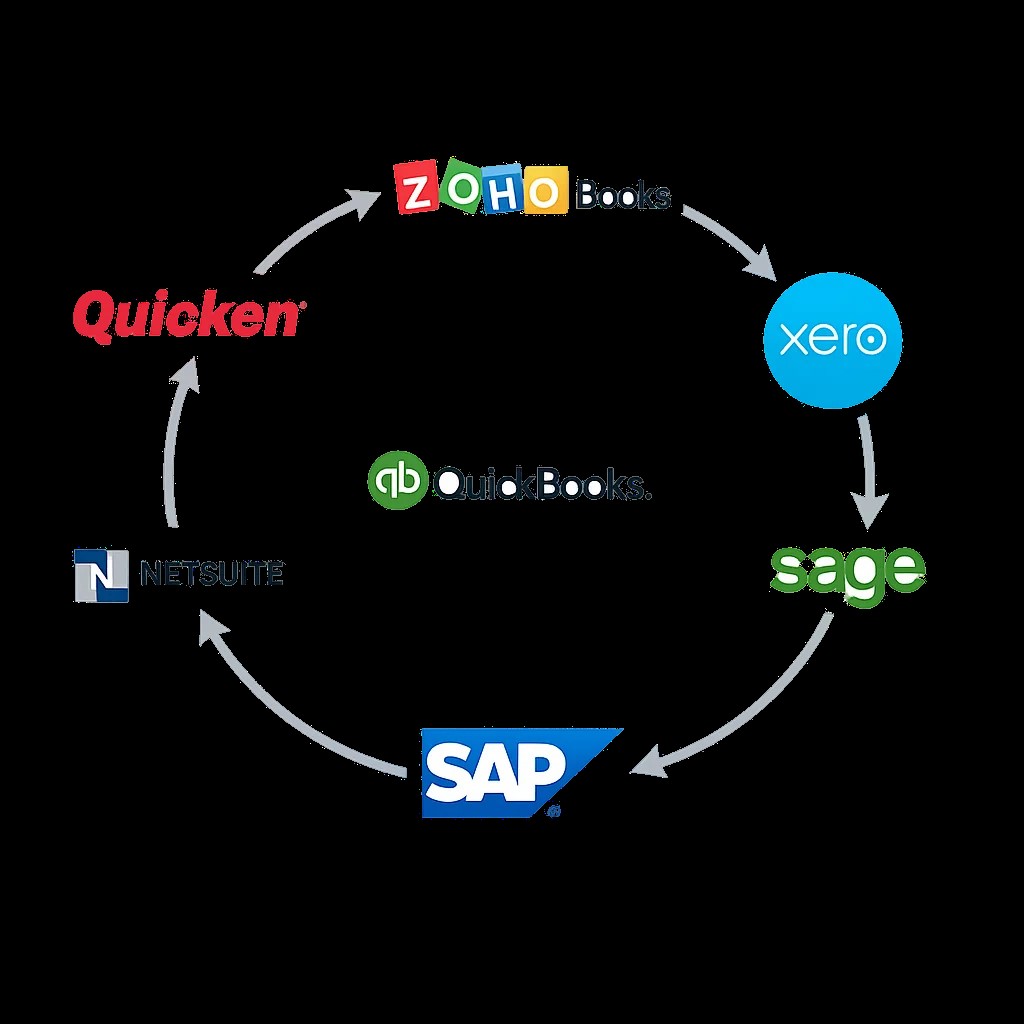
Businesses depend on reliable information to manage customers, finances, inventory, employees, and daily operations. As technology evolves, organizations often need to upgrade software, replace outdated databases, or move information to new business applications. Data Migration makes these transitions possible by transferring information from an existing system to a new environment while maintaining its accuracy and usability.
A well-planned Data Migration strategy can help businesses reduce errors, improve information management, and prepare for future growth. However, transferring business data without proper preparation can create problems such as missing records, duplicate entries, incorrect reports, and operational delays. Following established best practices helps organizations manage migration projects more effectively.
What Is Data Migration?
Data Migration is the process of transferring information between databases, applications, storage systems, or technology platforms. It may involve moving financial records from one accounting application to another, transferring customer details to a CRM system, or moving company files into a cloud-based environment.
The complexity of a migration depends on the volume of information, the structure of the source system, and the requirements of the destination platform. Some projects involve a straightforward transfer, while others require extensive data cleaning, transformation, testing, and integration.
Regardless of the project's size, the primary objective is to preserve important information and ensure that it remains accessible after the transition.
Start With a Clear Migration Strategy
Planning is one of the most important parts of a successful migration. Businesses should establish why they are migrating, what information must be transferred, and how success will be measured.
The planning process should identify the source and destination systems, the departments involved, the expected timeline, and the responsibilities of each team member. It should also establish which records are essential for daily operations and which historical records can remain in an archive.
A clear Data Migration strategy helps prevent unnecessary transfers and ensures that the project focuses on business requirements.
Organizations should also establish acceptance criteria. These may include matching record counts, verified account balances, accurate customer records, successful application testing, and confirmation that important reports work correctly.
Evaluate and Clean Your Existing Data
Migrating inaccurate information can create problems in the destination system. For this reason, businesses should assess the quality of their existing records before starting the transfer.
Common data-quality issues include duplicate customers, outdated vendor details, inconsistent date formats, missing fields, and incorrect account classifications.
Cleaning data before migration helps organizations identify and resolve these issues. Businesses should determine which records need correction, which are no longer required, and which must be preserved for legal, financial, or operational reasons.
A documented cleaning process also makes it easier to explain changes and investigate discrepancies later.
Create Accurate Data Mapping Rules
Source and destination applications often use different field names, data formats, and record structures. Data mapping establishes how information from the original system should correspond to fields in the new application.
For example, one accounting application may categorize customer information differently from another. A CRM platform may also require additional fields that were not included in the original system.
During Data Migration, mapping rules should explain how these differences will be handled. Any required transformations should be tested before the final transfer.
Accurate mapping helps preserve relationships between records and reduces the risk of information being placed in the wrong fields.
Prioritize Data Security
Business information can include confidential financial records, customer contact details, employee information, and internal documents. Protecting this information throughout the migration process is essential.
Businesses should restrict access to authorized personnel and use suitable security controls when transferring or storing data. Backup copies should be maintained, and temporary files should be handled according to the organization's security policies.
A reliable migration plan should identify potential security risks and explain how sensitive information will be protected.
Organizations should also confirm that their chosen migration methods meet relevant contractual, regulatory, and internal requirements.
Test Before Completing the Final Transfer
Testing helps identify migration problems before they affect everyday business operations. Where practical, organizations should perform a trial migration using a representative sample of their information.
This allows the project team to evaluate data mapping, field compatibility, transfer speed, and destination-system behavior.
After the final Data Migration, the team should compare source and destination records. Record counts, transaction totals, account balances, and important reports should be checked where applicable.
Testing should also include user acceptance. Employees who depend on the migrated information should confirm that they can access the records and complete their normal tasks.
Any significant discrepancy should be investigated before the migration is considered complete.
Maintain a Backup and Recovery Plan
Unexpected technical issues can occur during a migration. A backup and recovery plan helps businesses prepare for these situations.
Before beginning, organizations should create appropriate backups and confirm that the recovery process works. They should also establish a contingency plan for situations in which the destination system fails validation or essential information becomes unavailable.
Businesses should avoid retiring the source system immediately after transferring data. The original environment should remain available according to the approved transition plan until the destination system has been validated and relevant stakeholders have accepted the results.
Monitor the New System After Migration
Migration activities should not end as soon as the data transfer finishes. Post-migration monitoring helps confirm that applications, integrations, and reports continue to function correctly.
Businesses should review error logs, investigate user-reported problems, and monitor important workflows during the initial period after migration.
Documentation should record what was transferred, which validation checks were completed, and how exceptions were resolved. This information can support future audits, maintenance, and technology upgrades.
Professional Data Migration Support
Some migration projects require specialized knowledge of accounting software, databases, business applications, or integration tools. Professional support can help organizations evaluate their requirements and establish a suitable migration process.
E-Solution offers data migration and recovery services alongside accounting software support and software integration solutions. Businesses can review these services to determine whether they align with their technology needs.
Before choosing a service provider, discuss the systems involved, the types of information being transferred, the security requirements, and the validation process.
Conclusion
Data Migration requires careful preparation, accurate mapping, appropriate security controls, and detailed testing. Businesses that follow these best practices can reduce avoidable errors and improve confidence in their new technology environment.
A structured migration process helps preserve valuable business information while supporting software modernization and operational efficiency.