

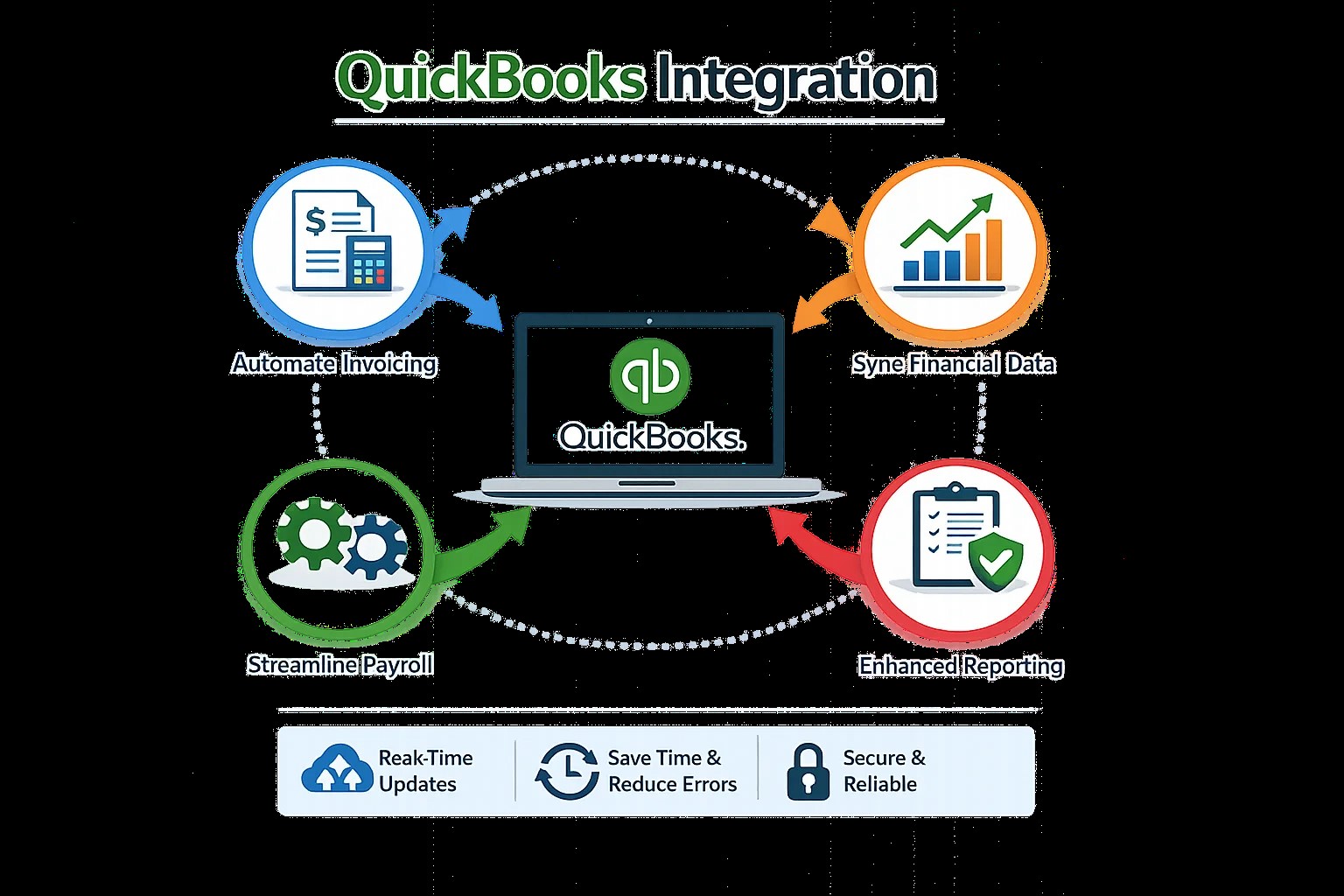
Payroll management is an important responsibility for businesses of every size. Employers must calculate employee compensation, record payroll expenses, manage deductions, track benefits, and maintain accurate financial records. When payroll applications and accounting software operate independently, these activities can involve repetitive data entry and time-consuming reconciliation.
QuickBooks Integration helps businesses connect compatible payroll applications with their accounting systems. By transferring supported payroll and financial information, companies can reduce administrative workloads, improve record consistency, and organize payroll-related accounting activities.
A properly planned integration can also help business owners understand labor costs and maintain more organized financial reports. However, payroll automation requires careful attention to permissions, employee privacy, tax settings, and applicable employment requirements.
What Is Payroll and QuickBooks Integration?
Payroll software manages employee compensation and related information, while accounting software records the financial effects of payroll transactions.
QuickBooks Integration connects these systems so that supported payroll information can be transferred into the accounting workflow.
Depending on the applications and connector, this may include payroll expense summaries, employer tax expenses, benefit costs, deductions, and other accounting entries. Some systems may also support employee or timekeeping information.
For example, a company may process payroll through a dedicated payroll application and use QuickBooks to maintain its general ledger. An integration can transfer approved payroll journal entries into the appropriate accounting accounts.
The exact features depend on the software versions, available connectors, and integration configuration.
Reduce Manual Payroll Accounting
Manual payroll accounting can require employees to calculate or transfer payroll totals, categorize expenses, and enter journal entries into accounting software.
When these tasks are performed repeatedly, errors can occur. A transaction might be recorded twice, assigned to the wrong expense account, or entered for the wrong accounting period.
QuickBooks Integration can reduce repetitive entry by transferring supported payroll information according to established rules.
This allows accounting staff to spend more time reviewing payroll results and less time copying figures between applications.
Businesses should still verify that payroll totals agree with payroll reports and that the integration records transactions in the correct accounting period.
Improve Payroll Expense Tracking
Labor costs often represent a significant business expense. Companies need to understand how payroll expenses affect operating costs, departmental budgets, and profitability.
When payroll records are disconnected from accounting software, obtaining an accurate view of labor expenses may require additional manual work.
QuickBooks Integration can help transfer supported payroll expense information into accounting records, making it easier to review compensation costs alongside other business expenses.
For businesses with multiple departments or locations, appropriate account mappings and tracking categories can improve reporting.
Organizations should confirm that their integration supports the necessary cost classifications and that payroll entries follow their accounting procedures.
Connect Time Tracking With Payroll Accounting
Many businesses use time-tracking applications to record employee hours, overtime, project time, and attendance.
Connecting time-tracking systems with payroll software can help streamline the process of preparing payroll. Accounting integration may then transfer the resulting payroll information into QuickBooks.
However, these are distinct integration stages. A connection between time tracking and payroll does not automatically guarantee that every time entry will synchronize directly with accounting software.
Businesses should verify which systems exchange information and determine how overtime, paid leave, corrections, and approved timesheets are handled.
Testing these workflows helps reduce errors before payroll automation becomes part of routine operations.
Support Better Budgeting and Financial Planning
Reliable payroll information helps business owners prepare budgets and evaluate operating expenses.
By maintaining consistent payroll-related accounting entries, QuickBooks Integration can support more efficient reporting on labor costs and overall financial performance.
Managers may use these records to compare actual payroll expenses with budget expectations and identify changes that require investigation.
For useful reports, businesses should ensure that payroll expenses are classified consistently and that reporting periods align with their financial reporting practices.
Protect Sensitive Employee Information
Payroll data can contain confidential information, including employee compensation, tax details, deductions, and bank account information.
Integration should therefore follow appropriate security and access-control practices.
Businesses should grant application permissions according to employee responsibilities, use secure authentication, and review connected applications periodically. They should also confirm what information the integration transfers and whether unnecessary personal information can be excluded.
QuickBooks Integration should be designed to support accounting automation while protecting employee confidentiality.
Common Payroll Integration Challenges
Businesses may encounter incorrect account mappings, duplicate journal entries, inconsistent payroll periods, or differences between payroll reports and accounting balances.
These problems can be reduced by documenting the payroll workflow before implementation and defining clear rules for data synchronization.
It is also important to determine whether payroll entries are transferred automatically or require approval. Businesses should test regular payroll runs, adjustments, reimbursements, and other relevant scenarios.
After implementation, accounting staff should reconcile payroll reports with the entries recorded in QuickBooks.
How to Implement Payroll Integration Successfully
Begin by identifying the payroll application and QuickBooks version used by the business. Confirm that the selected connector supports the required payroll accounting workflows.
Next, review the chart of accounts and determine how wages, employer taxes, benefits, deductions, and other payroll-related amounts should be classified.
Test the integration using appropriate sample data or a controlled implementation process. Verify that journal entries balance, amounts are correct, and transactions appear in the intended accounting period.
Establish a regular review process for synchronization failures and payroll reconciliation.
Professional QuickBooks Integration Services
Businesses with complex payroll structures may benefit from professional integration assistance.
E-Solution offers QuickBooks Integration services intended to help businesses connect accounting software with compatible third-party applications. Organizations can discuss their payroll accounting requirements, current systems, and reporting objectives to determine a suitable approach.
Businesses should confirm that their chosen solution supports their specific payroll provider and required data flows before implementation.
Conclusion
Efficient payroll management requires accurate calculations, organized accounting records, and careful protection of employee information.
QuickBooks Integration can help businesses reduce manual payroll accounting tasks, improve expense tracking, and maintain more consistent financial records.
With compatible software, appropriate permissions, accurate account mappings, and regular reconciliation, businesses can develop a more efficient payroll accounting workflow while maintaining the controls needed to protect sensitive information.