
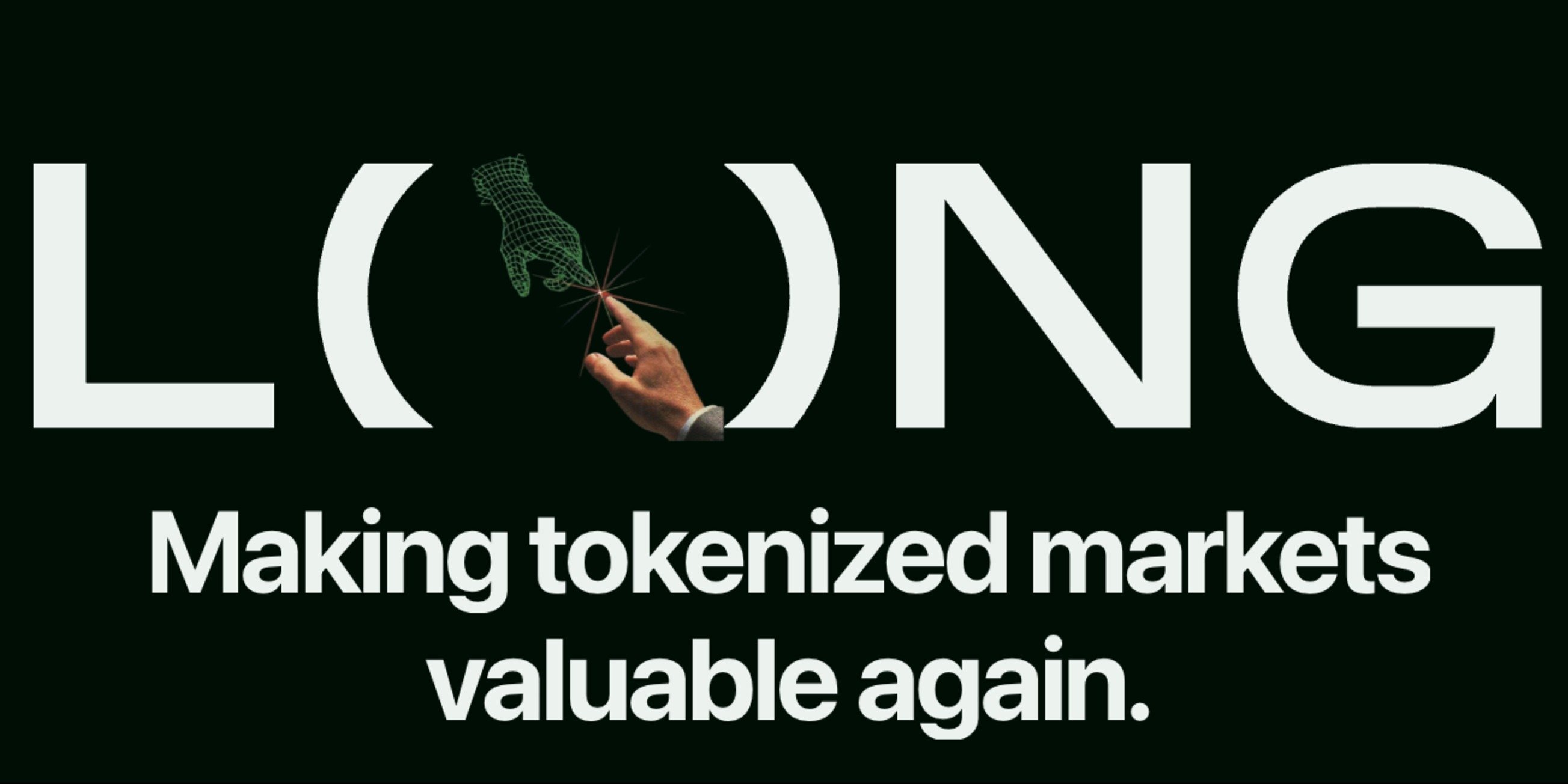
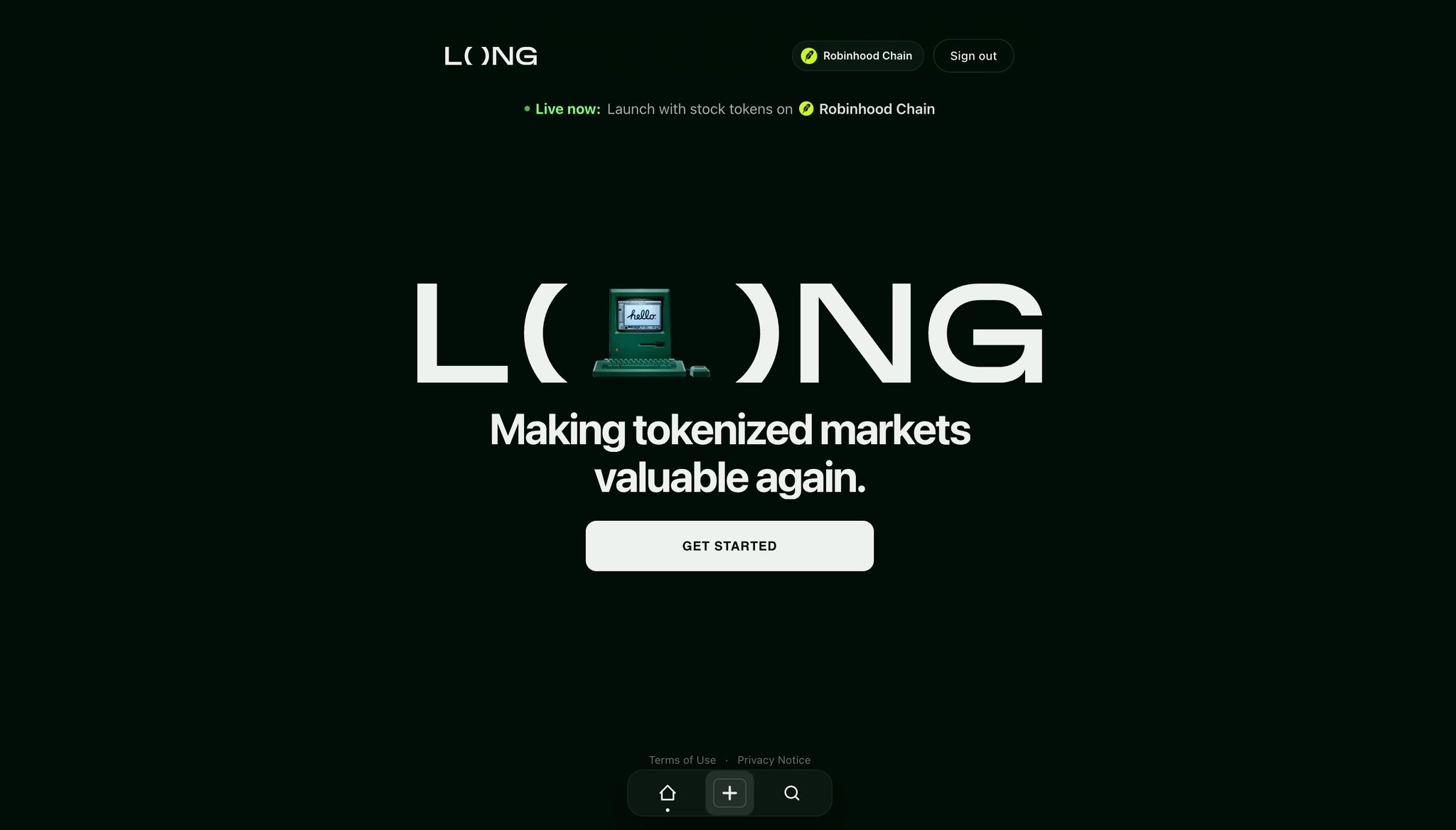
The landing page tells me almost nothing.
The main value proposition is:
“Making tokenized markets valuable again.”
But without any context, I don't know what that actually means.
What problem are you solving? Who is this for? What can I do here?
The homepage isn't helping me build a mental model of the product.
Then there's this:
“Live now: launch with stock tokens on Robinhood Chain.”
Launching a token seems to be one of the core actions of the product, yet it's presented with the visual hierarchy of a random product update.
That's a strange CTA hierarchy.
The most important action on the page should probably look like the most important action on the page.
At this point I've landed on the website and received almost zero product value or useful information.
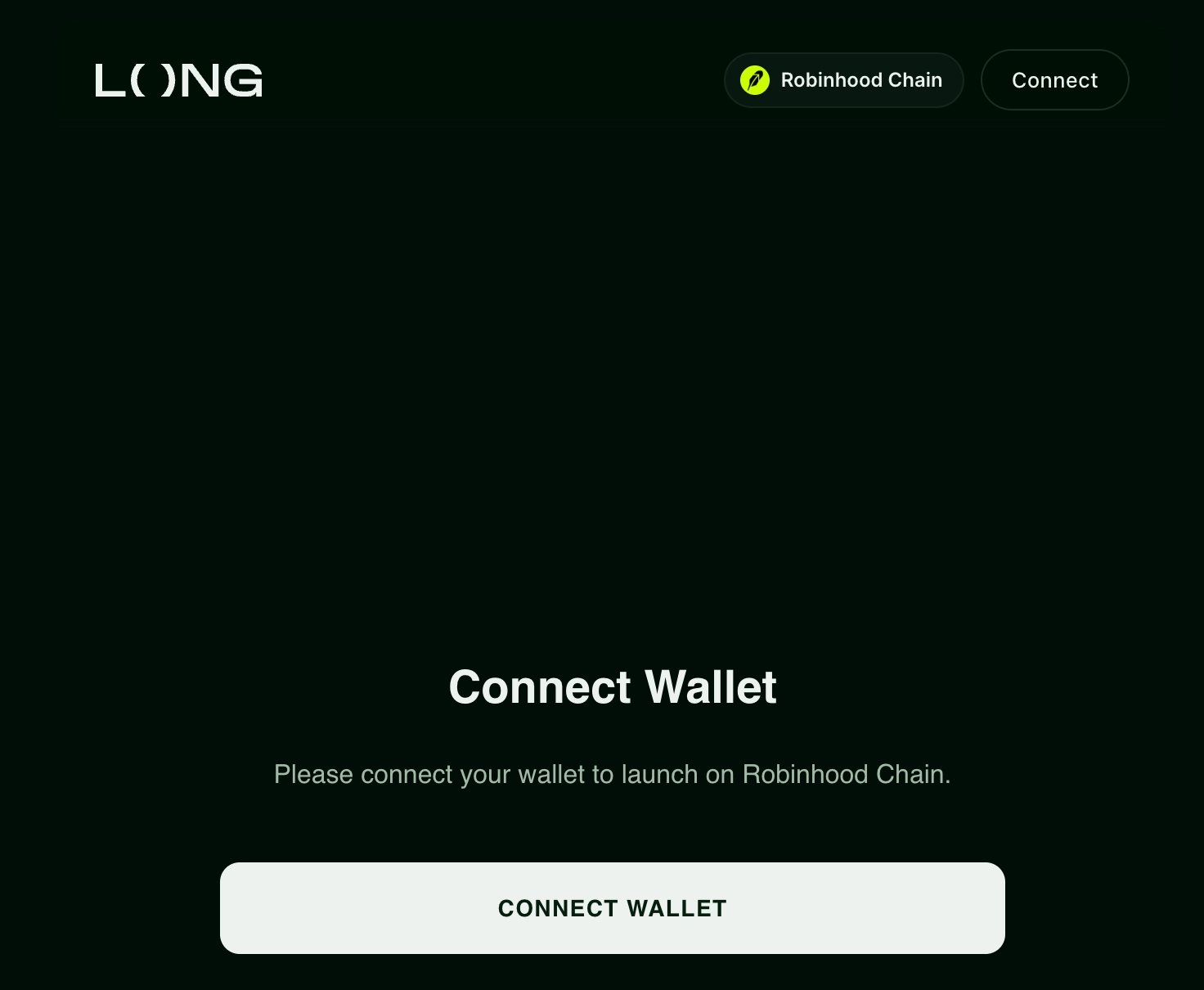
I click Get started.
I'm a first-time visitor. My intent is simple: explore the product and understand what it does.
Instead, I'm immediately sent into a token creation flow.
Interesting, I haven't even seen the product yet and we're already asking me to launch something.
This to is a mismatch between user intent and product flow. A first-time visitor probably isn't ready to launch a token.
Before asking users for a high-commitment action, let them explore the product, understand the value proposition, and build some confidence.
I'm asked to connect my wallet... Fine.
Click.
Click.
Click.
Click count: 4.
And I still haven't received any product value. I'm starting to take this personally
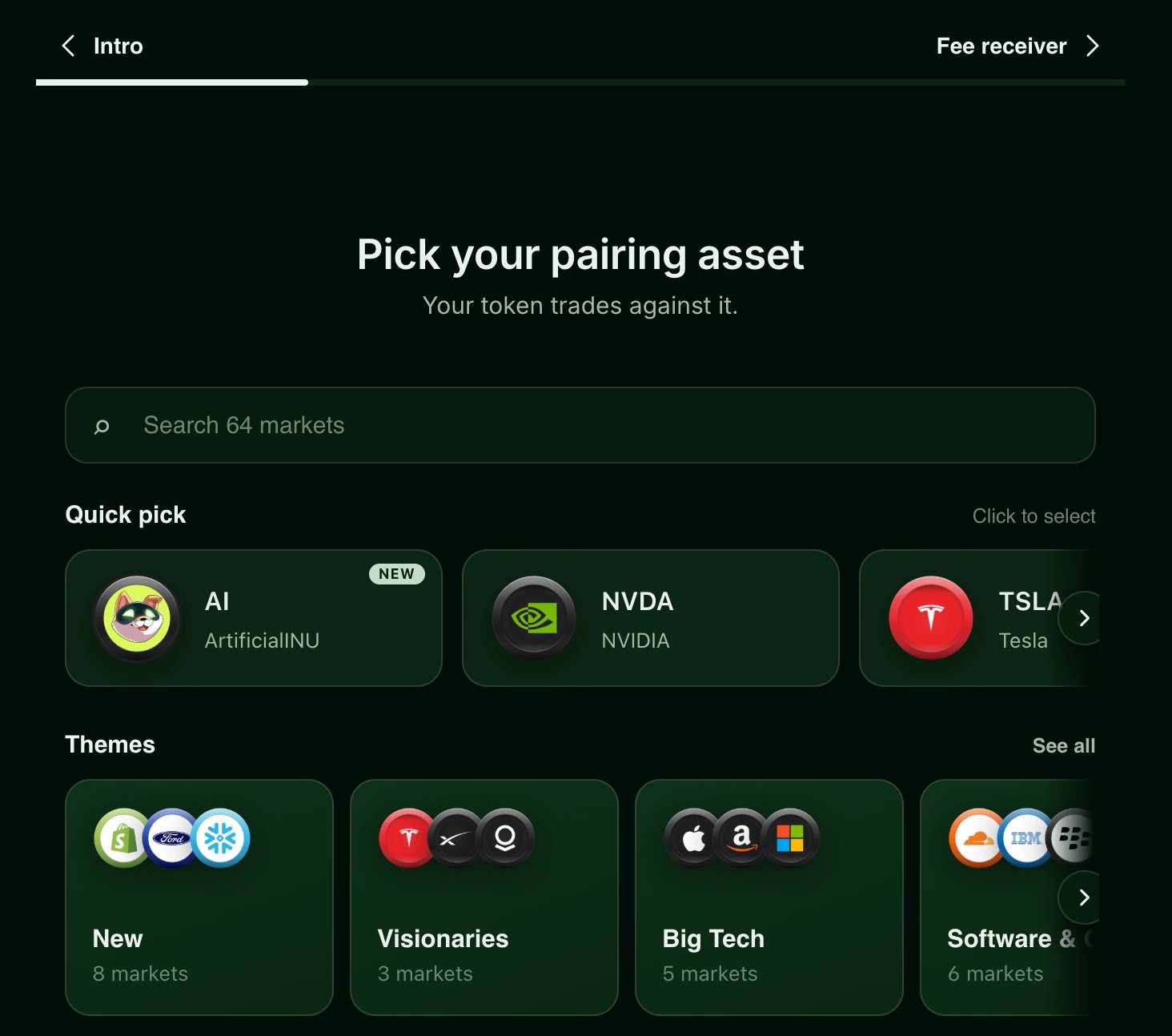
Wait. Now I'm actually inside the token launch flow.
I don't want to launch a token, I wanted to look around.
So I go back, Click, still not where I started.
Another Click.
Click count: 6 + one wallet connection.
Result? I'm back on the same page I was on a few seconds ago... So far this products owes me six clicks.
Fine.
Maybe I'm supposed to figure this out through the bottom navigation. There's a house icon.
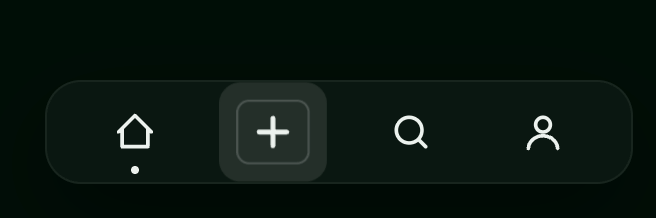
House means Home > Home usually means dashboard.
I click it. Click #7.
Nothing happens.
Maybe it didn't register?. I click it again. Click #8.
Nothing.
Then I realize: Oh! I'm already on Home!
Amazing, two clicks spent discovering my current location.
This is a system status visibility problem. Now I realize that there is a small dot pointing that I am at home already, but that was tricky, I feel a dumb user now 😥 .
The active state in the navigation should make it obvious where I am.
If I have to click a navigation item to discover that I'm already there, the UI isn't communicating enough.
Click count: 8. Useful outcomes: 0.
We're doing great 🙂...
I'm assuming the {+} button takes me back to the token creation flow, and I'm not emotionally prepared for that again.
So let's try the search/lens icon.
Click #9. Okay!
I finally reach the Explore section, now we're getting somewhere.
I can see the tokens, the trading pairs are clear, and I immediately understand what I'm looking at. Nice, this is cool!
For the first time, the product is actually showing me the product.
And this is probably much closer to what I expected to see after arriving to the website nine clicks ago.
Each token has a three-dot menu.
Naturally, I click it (another cl*ck for the spreadsheet)
Inside I find:
Copy contract address
Open in explorer
That's it.
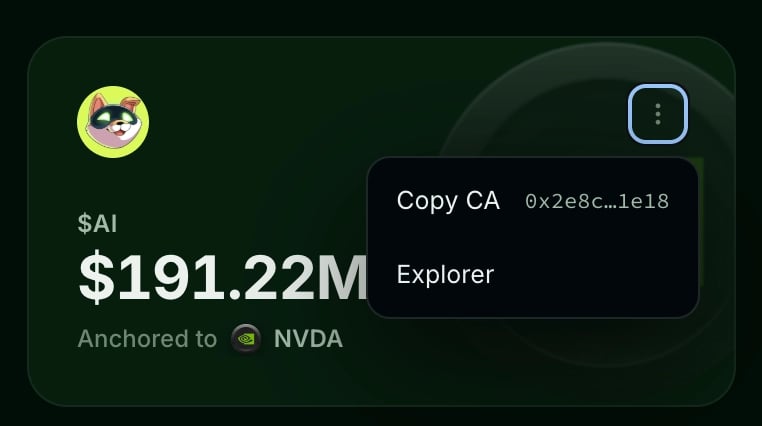
Why hide two simple actions behind an overflow menu?
To copy a contract address I need to:
Click three dots → Click copy.
Two clicks.
To open the explorer:
Click three dots → Click explorer.
Two clicks.
Both could be just one, more micro-friction that compounds across a product. And if an action is common enough, cutting it from two clicks to one literally reduces its interaction cost by 50%.
Interestingly, I open the token detail page and... That's exactly what they do there! Dedicated icons for copying the address and opening the explorer, love it, beautiful 🤩 .
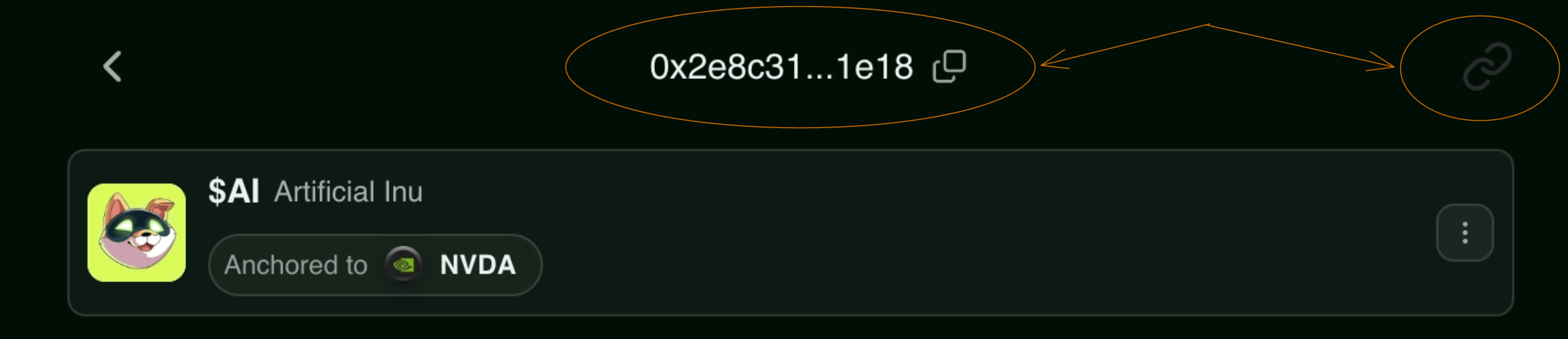
A better interaction pattern already exists inside the same product, it's just inconsistent across the product experience.
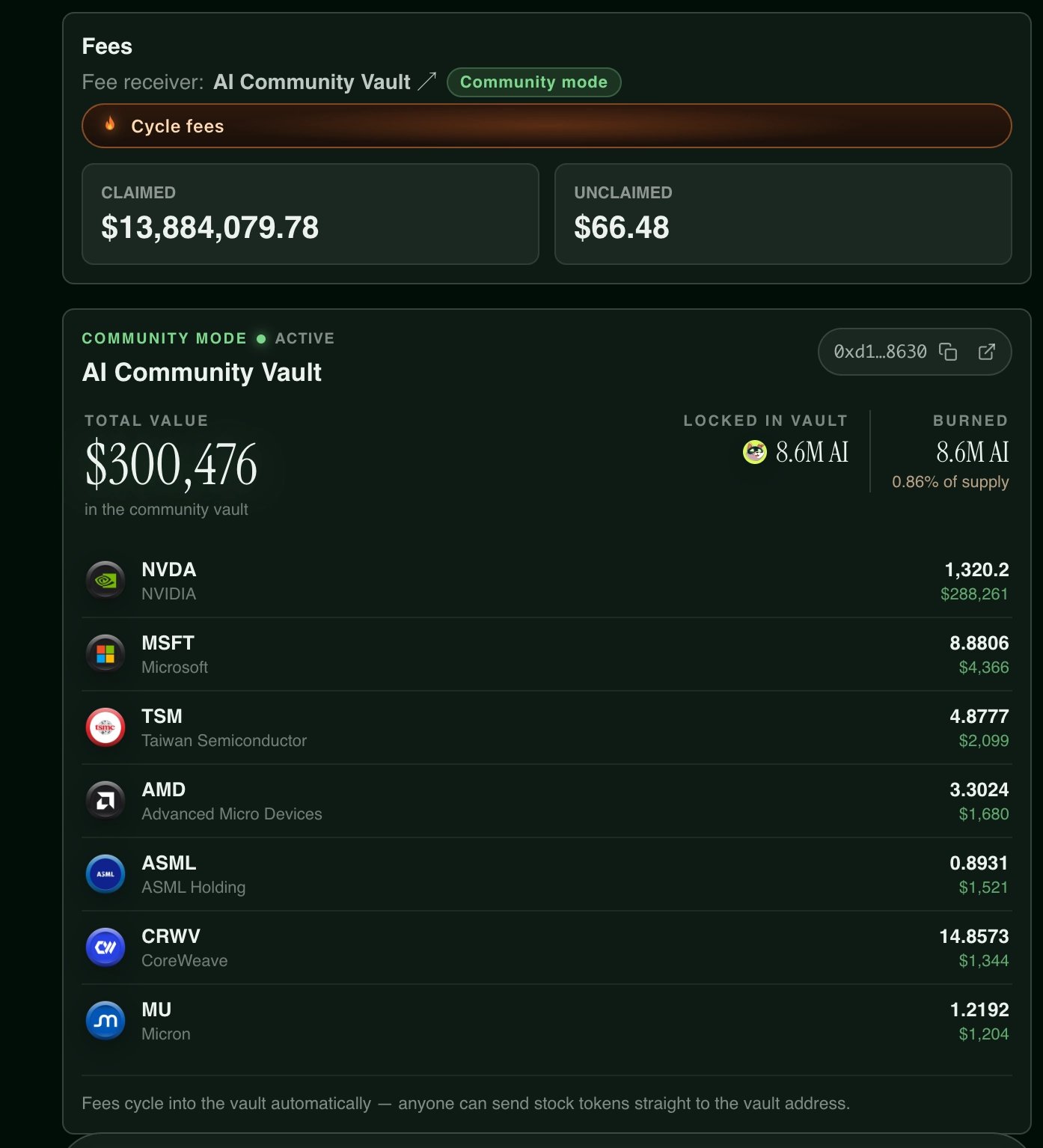
On the token detail page I see a Community Mode badge.
Sounds important but I have no idea what it means.
This one doesn't cost me a click but It costs me something worse: cognitive load.
The interface is introducing product-specific terminology without giving me a way to understand it.
Perfect use case for progressive disclosure, give me a tooltip, an info icon, a tiny docs link. Something! take me out of this uncertainty bls!
I don't need the explanation permanently taking up screen space, but I need a path to it.
I click Trade.
Now I see an ETH logo and an NVIDIA logo.
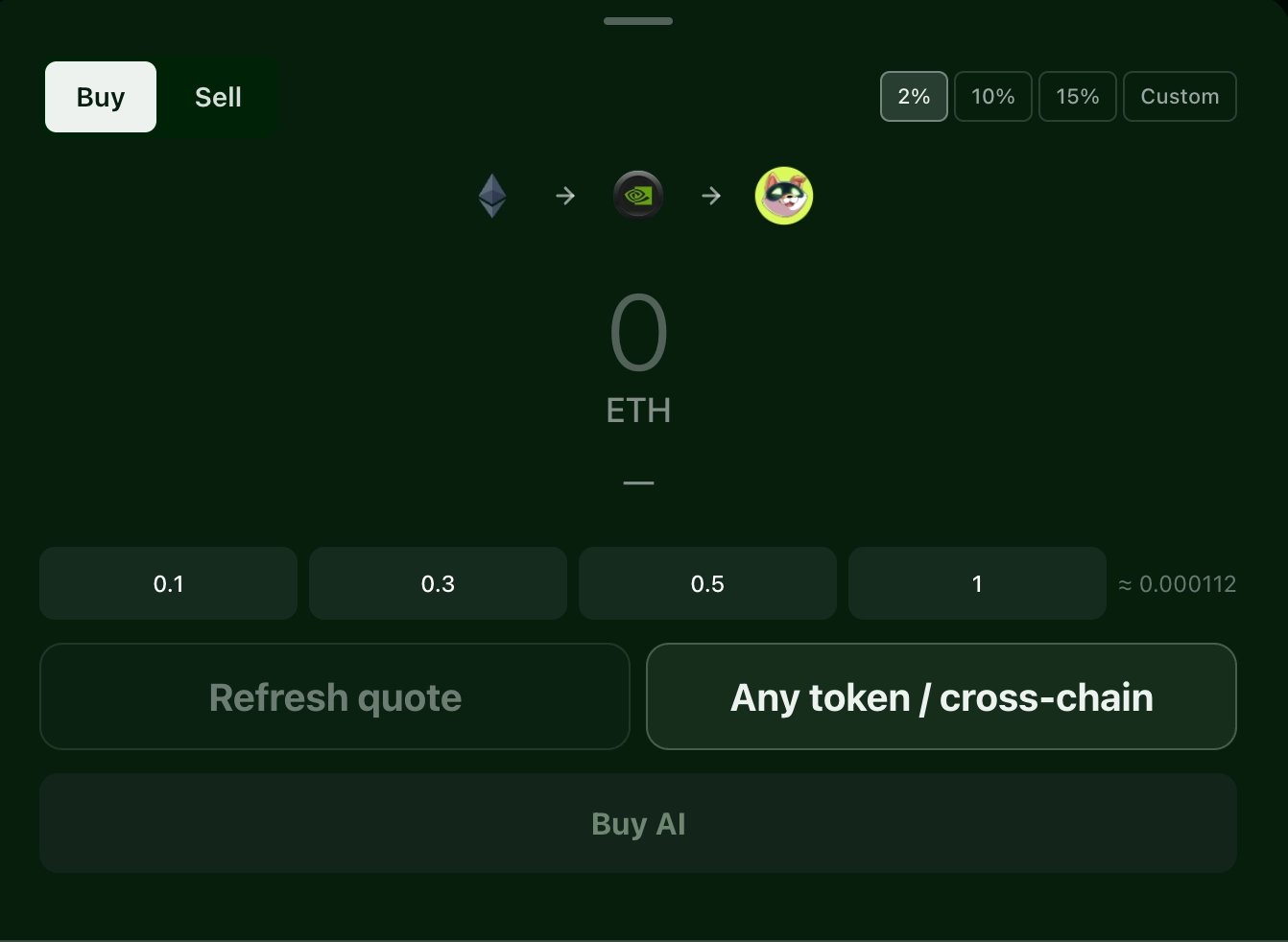
Why? What exactly am I trading here?
Then I notice:
Refresh Quote. A button (which means another click)
Why do I have to manually refresh a quote? On most exchanges and swap interfaces, quote updates happen automatically. This is adding not only interaction cost, but also it creates uncertainty.
Is my quote stale? How often am I supposed to click this? Every five seconds? Before every trade? What happens if I don't?
The best click is sometimes the click you delete.
This interface feels weird, so I try Any Token / Crosschain.
Click.
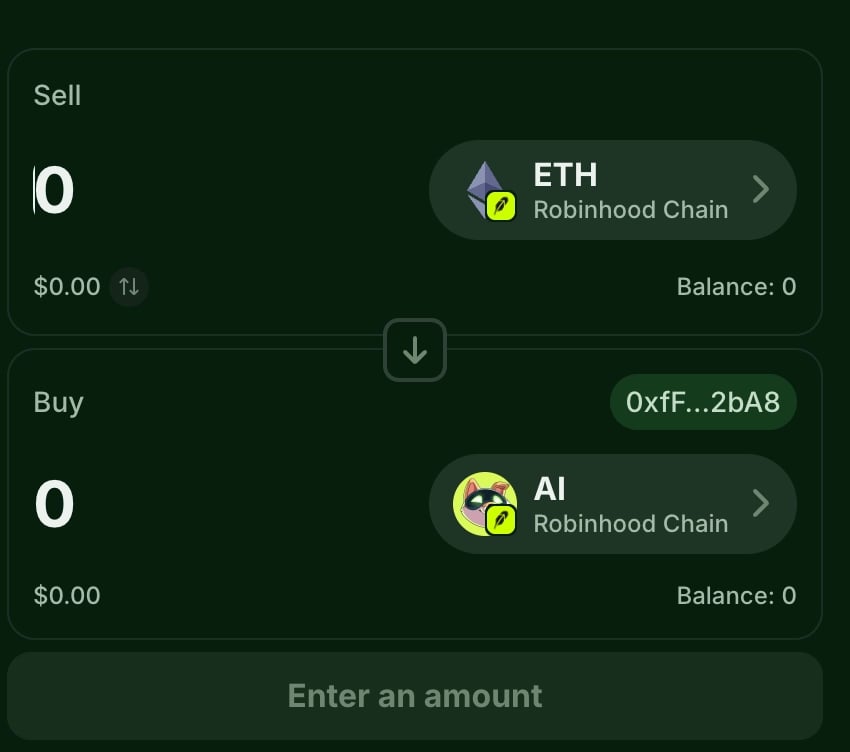
Ohh omg, here it is, this feels much more natural.
This is the swap interface I'm used to.
I can immediately understand:
What I'm selling.
What I'm receiving.
How much I'm receiving.
What transaction I'm about to execute.
My cognitive load drops immediately.
A few useful clicks later:
Boom!!
Transaction completed.
Yes, I am obsessed with counting clicks.
A click isn't inherently bad, some clicks clearly move the user forward:
Open token → Trade → Confirm
The problem is clicks that don't move the user closer to their goal:
Get Started → Connect wallet → Launch flow → Back → Back
Each one of these steps is interaction cost being paid by the user, I like thinking of every click as a tiny interaction tax.
If you're going to charge me a click, I want something in return: more information, more certainty, meaningful progress, or a completed action. The biggest issue throughout this experience is how many clicks produce none of those.
I arrived wanting to answer a very simple question:
“What is this thing, and what can I do with it?”
Instead, the product immediately pushed me toward connecting a wallet and launching a token. That's a huge jump in commitment, the product is optimizing for an activation event before the user has reached the aha moment.
A better first-session journey would probably look like:
Understand → Explore → Build confidence → Connect wallet → Take action
Instead, I got:
Land → Click → Connect wallet → Accidentally start launching a token → Back → Back → Home → Home again → Finally find Explore
The Explore page is where I actually started understanding the product, which makes me think it should play a much bigger role in the initial experience.
The main thing is that there is a good product here. Once I reached Explore, token details, and eventually the crosschain trading interface, things started making much more sense.
The problem is discoverability. Some of the clearest and most intuitive parts of the experience are buried behind navigation that a first-time user has to figure out by trial and error.
The structure of the product should feel obvious, not like something users have to discover by trial and error.
There are also several smaller interaction decisions that compound:
Contract actions are hidden behind a three-dot menu in one screen, but exposed as clear icons in another.
“Community Mode” introduces product-specific terminology without any contextual explanation.
The trade screen requires a manual quote refresh, while another trading interface in the same product feels much more familiar and automatic.
None of these individually break the product, but combined they increase cognitive load, reduce predictability, and make the experience feel less coherent.
The core trading experience is actually pretty good once you find it.
The problem is everything the user has to do before getting there. I started counting clicks as a joke, but it ends up exposing the biggest source of friction in the product.
That said, I think Long is directionally right on both the product and the vision. Tokenized markets are going to matter a lot in the RWA cycle we are entering, and Long is building in the right place at the right time.
So this roast comes from a place of wanting the product to win. Hopefully, even a small part of this feedback is useful in making the experience sharper, simpler, and easier for users to reach the value that is already there.