

The Meme Creator lets you create custom memes using BizarreBeasts' artwork and stickers. Access it at bbapp.bizarrebeasts.io/meme-generator or through the main navigation menu.

At the top of the page, you'll see collection tabs:
BizarreBeasts: The original hand-illustrated BizarreBeasts collection featuring all the notorious BizarreBeasts. Create BIZARRE and hilarious memes and artwork with BizarreBeasts stickers and share them with the community! Higher-tier stickers are marked with badges and unlock as you climb the Empire leaderboard.

Treasure Quest: Hand-illustrated sprites and treasures from BizarreBeasts: Treasure Quest! Create epic memes with heroes, enemies, legendary loot, and dungeon backgrounds straight from the game. Premium content and rare artifacts unlock as you advance through Empire tiers.

UGC - Siablo $BB Memes Collection: Hand-illustrated BizarreBeasts stickers and memes created by @siablo.eth for the $BB Community, and some BIZARRE @podballgame memes are included as well! Create BIZARRE content with custom artwork and characters based on the original BizarreBeasts. All stickers in this collection are available to everyone!

VibeCards: Coming soon!
Click any tab to switch between collections and browse available stickers.
Browse stickers in the gallery below the tabs
Click any sticker to instantly add it to your canvas

The sticker appears in the center and you can add as many as you want
Some stickers may show tier requirements if you don't have access

Once a sticker is on the canvas, you can modify it:
Moving:
Click and drag the sticker anywhere on the canvas
Resizing:
Grab the corner handles (small squares) and drag
The sticker keeps its proportions automatically
Rotating:
Use the rotation handle (curved arrow above the sticker)
Hold Shift while rotating to snap to 15° angles (0°, 15°, 30°, etc.)
Deleting:
Click to select a sticker (blue border appears)
Press Delete or Backspace key
Or click the Delete Selected button


Click "Add Text" button
Choose position:
Top Text - Classic meme style at top
Bottom Text - Classic meme style at bottom
Custom - Click anywhere to place
Edit your text:
Double-click any text to edit it directly
Or select and use the text panel on the right
Style options:
Font: Impact (classic meme), Arial, or Comic Sans
Size: Small, Medium, Large, XL
Color: Click color square to pick any color
Stroke: White or black outline for visibility

Click "Background" to customize:
Choose a solid color using the color picker
Set transparent background
Upload custom image (higher tiers only)

When you're happy with your creation:
Click "Download" button
A preview window opens showing your meme
On Desktop:
Right-click the image → Select "Save Image As..."
Or click "Open in New Tab" then save from there
On Mobile:
Long press the image → Select "Save Image"
Or tap the share icon to save/share

Share to Farcaster Click "Share to Farcaster" to:
Post directly to the BizarreBeasts channel
Pre-filled text promotes $BB
Works seamlessly in the Farcaster app
Share to Other Platforms The meme generator also supports seamless sharing on:
X (Twitter) - Direct posting with optimized formatting
Telegram - Share to channels and groups effortlessly
All sharing options work directly from the miniapp without needing to download and re-upload your creation.

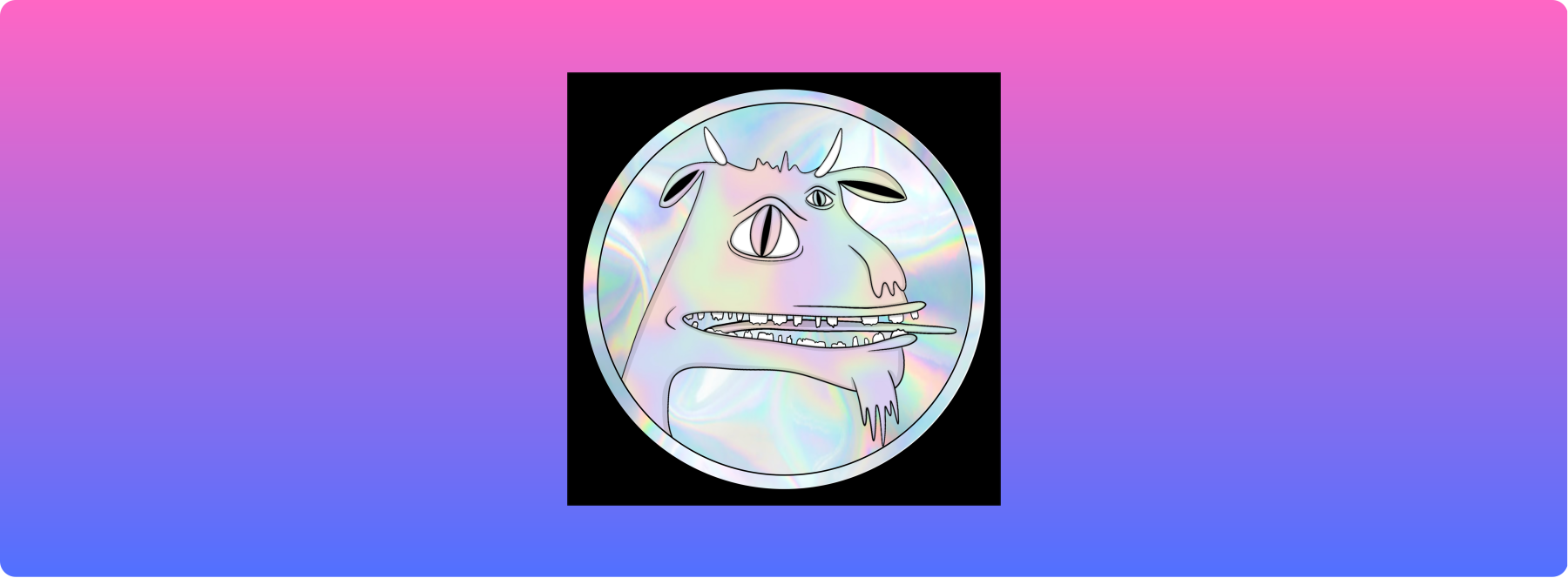
Your Empire rank (based on leaderboard position) unlocks features:
BIZARRE Tier 👹
Rank 1-25
All sticker collections unlocked
No watermark on exports
Premium backgrounds
WEIRDO Tier
Rank 26-50
Most sticker collections
No watermark on exports
Custom backgrounds
ODDBALL Tier 🎭
Rank 51-100
Advanced sticker collections
No watermark on exports
Contest participation
MISFIT Tier
Rank 101-500
Basic sticker collections
Custom backgrounds
Contest viewing
NORMIE Tier
Rank 501+
Basic stickers only
Watermark on all exports
View leaderboard
Check your rank on the Empire Leaderboard page to see what features you have access to.

Snap to Grid: Stickers automatically align to help you center things
Layer Order: Most recently added items appear on top
Click Empty Space: Deselects everything (desktop only)
Work Smart: Build your meme from background to foreground
Mobile: Works great on phones - pinch to zoom, tap to select
Can't see all stickers? Some collections are tier-gated. Check your Empire rank and climb the leaderboard to unlock more content.
Download not working? Try right-click "Save Image As" on desktop or long-press on mobile.
Performance slow? Too many stickers may impact performance. Consider simplifying your design.
Canvas resets? Your work doesn't auto-save. Download your meme to keep it.
Export Size: 800x800 pixels, optimized for social media
File Format: PNG with optional transparent background
Browser Support: Works best on Chrome, Safari, Firefox, Edge
Mobile Compatible: Full touch support with gestures
PWA: Works best when added to the homescreen and used as an app
Ready to create something BIZARRE? Start with the BizarreBeasts collection and let your creativity flow!
LFBizarre.

https://paragraph.com/@bizarrebeasts/the-official-players-guide-bizarrebeasts-treasure-quest
Good luck, and may your treasure questing be BIZARRE!

The original soundtrack to the game is streaming on Spotify, Apple, Amazon, and other streaming platforms!
As the artist and creator behind BizarreBeasts (BB), I'm continually exploring the exciting intersection of my lifelong passion for illustration and the darkly humorous world of outsider art with the innovative possibilities of web3. I'm drawn to the space where the comical and unsettling coexist, which influences the unique characters and narratives I create within the BizarreBeasts universe.
For me, BizarreBeasts is more than just digital collectibles; it's a fusion of my artistic vision and the potential of decentralized technology to build a community and foster new economic forms. This article reflects my hands-on exploration of blockchain technology as a tool to weave together community, culture, and cryptocurrency within the BizarreBeasts ecosystem.

BizarreBeasts is a creative universe centered around hand-illustrated, original characters brought to life through onchain artwork, comic strips, animations, original music, and interactive games. This project explores the darkly humorous and often unsettling aspects of existence, blending a lifelong passion for outsider art with the innovative possibilities of web3.
Beyond digital collectibles, BizarreBeasts aims to build a vibrant community where art and decentralized technology converge. The $BB token fuels this ecosystem, empowering collectors to actively participate in an ever-expanding narrative and a unique artistic journey that draws inspiration from modern pop culture and the timeless echoes of ancient art.

Click here to visit the BizarreBeasts Miniapp!

Explore, add the Miniapp to your Farcaster account, and share the BIZARRE!

Collect: Rodeo, Foundation, Highlight, Objkt & VibeMarket.
Play: Remix.
Trade: Clank.
Subscribe: Hypersub.
Shop: Slice.
Stream: Spotify and more.
Explore: BizarreBeasts.io.
Disclaimer: This article is a marketing piece created to share information about the BizarreBeasts artwork and onchain project. It is not financial advice. Always do your own research before making any investment decisions.