

You can now connect your Paragraph publication to the AI tools you already write with. Most authors draft in one tab and publish in another. That means copying text across, fixing the formatting, and checking stats somewhere else again. We built the Paragraph MCP server so your assistant can handle the Paragraph side itself.
How it works
-
Connect once: Add
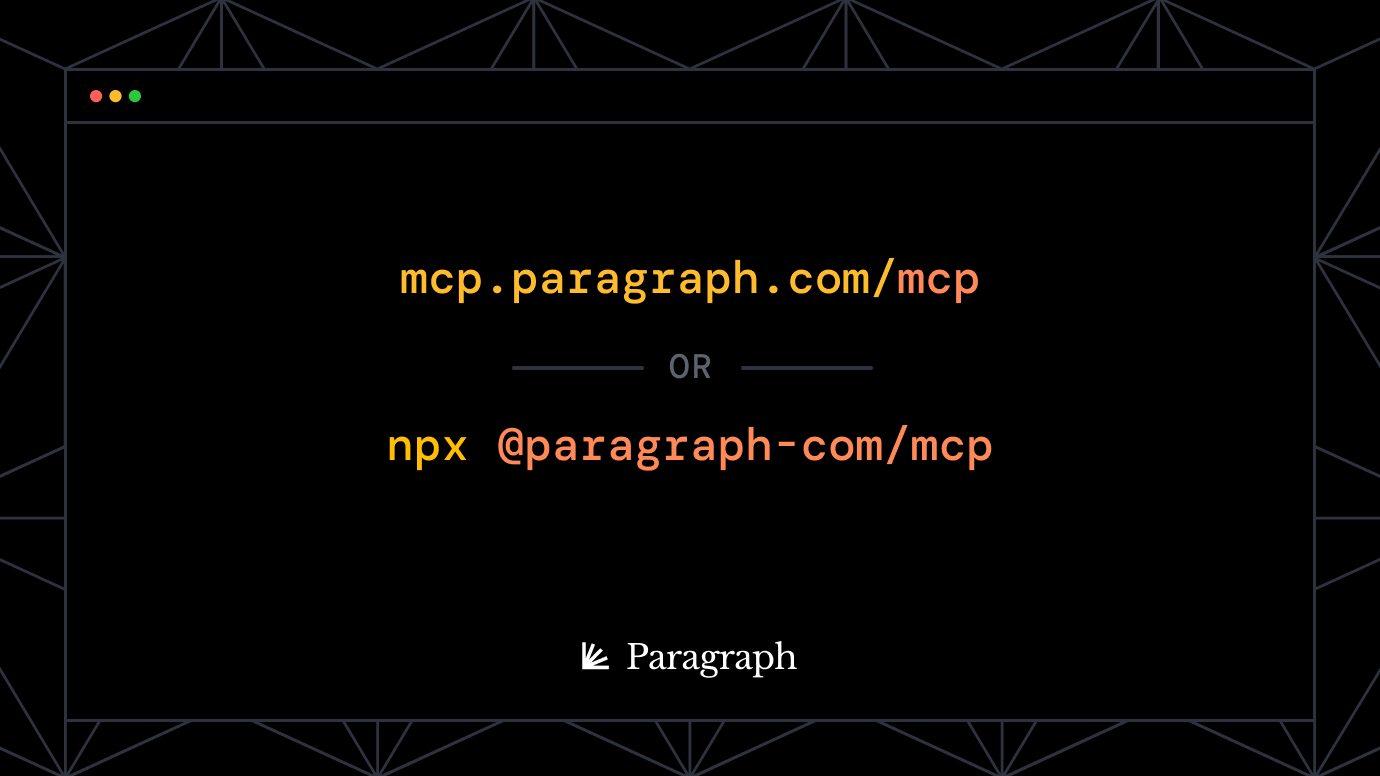
https://mcp.paragraph.com/mcpto Claude, ChatGPT, Cursor, VS Code, or any client that supports MCP. You sign in with your Paragraph account in the browser and pick a publication. There's no key to copy or paste. -
Draft and edit posts: Hand it notes, a transcript, or an outline, and it creates the post in Paragraph. It can also revise posts you've already written, like tightening the intro on your last newsletter.
-
Draft for every channel: X posts and threads, LinkedIn posts, X Articles, and one-off emails are saved as drafts in Paragraph. Each one stays grouped with the post it came from.
-
Publish when you say so: New posts are drafts by default. Your assistant can schedule a post, publish it, or send it to subscribers, and it's instructed to confirm with you before it does.
-
Ask about your numbers: Ask about views, opens, clicks, or subscriber growth, and it answers by querying your analytics directly. Queries are read-only and limited to your publication.
-
Manage subscribers: Check your count, look through your list, and add or remove readers.
-
Know what it can change: Every tool is labeled read-only or write, so clients that ask before making changes know when to ask.
Good to know
-
The MCP server works on every plan.
-
If you'd rather run the server yourself, use
npx @paragraph-com/mcpwith an API key from Settings → API keys in the app. -
Setup steps for each client are at docs.paragraph.com/developers/mcp.
Try Paragraph
We're building an owned media engine for your company, and now it works from the tools you already use. Connect your assistant, or see what else your agent can run for you at paragraph.com.