


You can now connect Paragraph to more than 600 tools your company already works in, including Notion, Linear, GitHub, Granola, and PostHog, and it drafts posts from what's in them. If you're a founder or on a marketing team, your launch posts can now carry the specifics of what shipped.
Most of what's worth writing about already lives somewhere: shipped issues in Linear, a spec in Notion, a customer call in your meeting notes. Getting it into a draft usually means copying it across by hand, and the details that make a post credible get lost along the way.
Find your tools in one catalog
The catalog covers everything from developer tools to marketing & SEO. Find the tool you use, sign in, and your agent can work with it. If yours isn't there, add any remote MCP server by its URL, or request an integration.
Ask for a draft from your own sources
Once a tool is connected, ask for what you need in chat, like "summarize this week's Linear issues into a post" or "pull the outline from my Notion page and draft the article." Your agent reads the source and writes the draft in your voice. Paragraph's Changelog, which finds what's worth announcing in your team's work, reads your connected tools too.
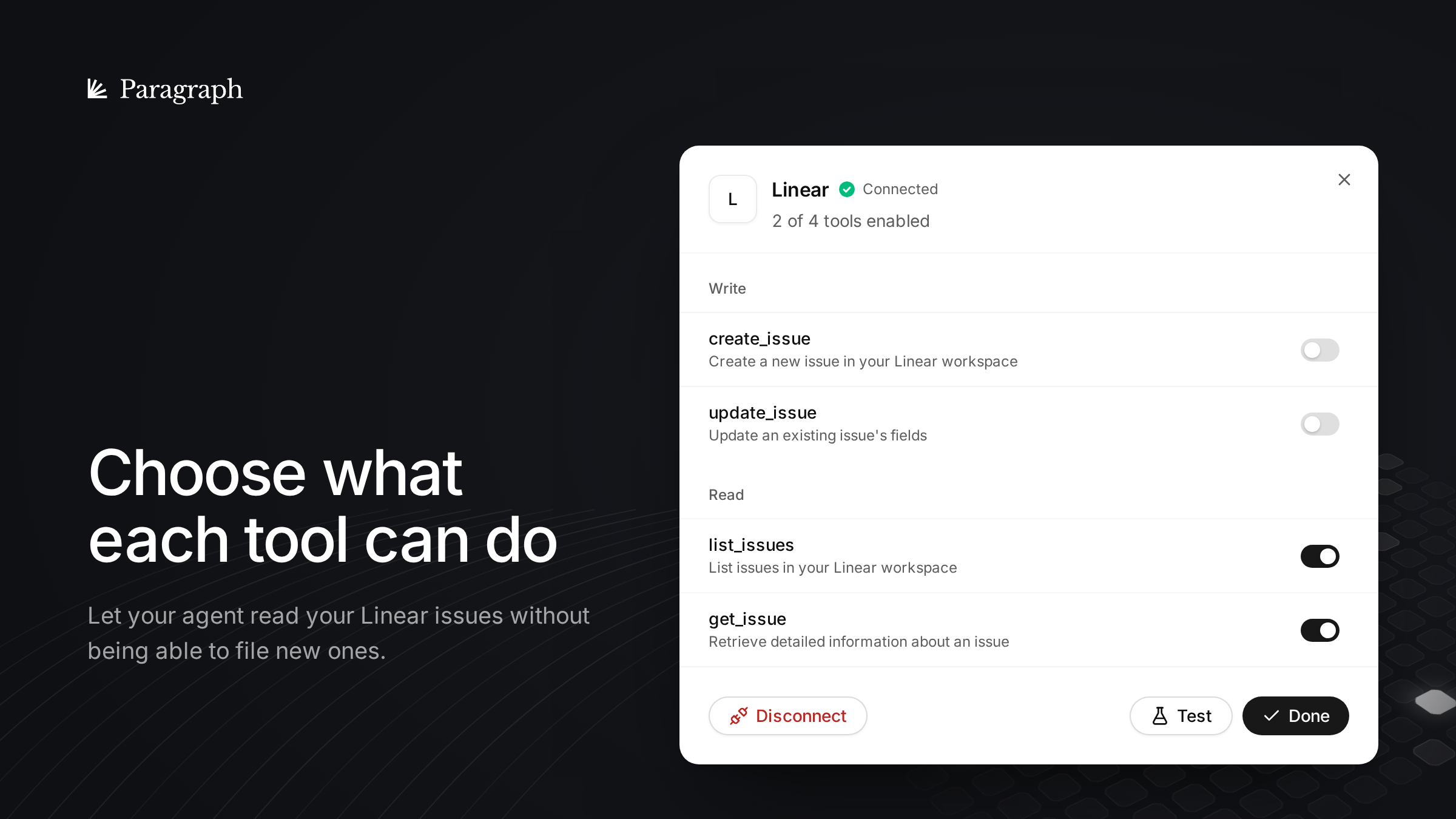
Choose what each tool can do
You decide which of a tool's actions your agent may use, so it can read your Linear issues without being able to file new ones. You review and approve. Nothing goes out without you.
Start with your first tool
Sign up at app.paragraph.com, open Connectors, and search for the tool your team uses most. The free plan includes three connected tools. Questions or a tool you'd like to see? Write to hello@paragraph.com.