X
@acme
Shipped this week: webhooks retry on their own, sessions survive a mid-request refresh, and search is about twice as fast on large workspaces. Full notes:
acme.com/changelog
Paste any GitHub repository. Paragraph turns what you merge into a changelog your customers can subscribe to, with posts for X and LinkedIn and a short launch video.
Trusted by teams at



This week your team shipped 47 pull requests, and your customers heard about none of them. Every release could bring you customers. Paragraph reads what merged and leaves out the noise, writes it for customers rather than for Git, and once you approve it, publishes it to your website, email, X, and LinkedIn.
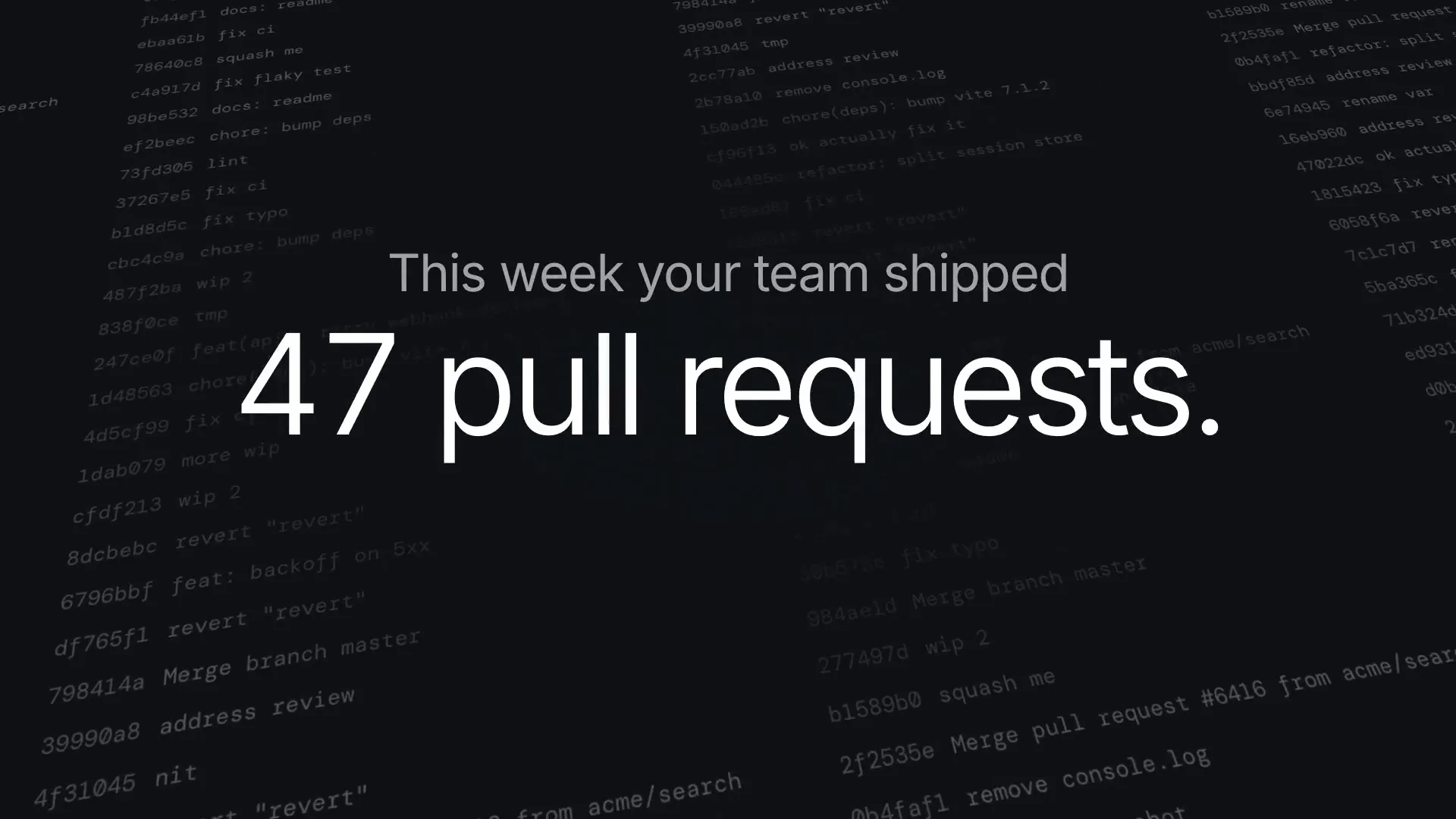
This video came out of a Changelog run. The Changelog agent can make one for each release you announce, alongside the article and posts.
Paragraph reads what merged, leaves out what doesn't matter, and groups the rest by what actually changed for the person using your product.
a91c4e2 feat(webhooks): retry delivery with backoff 7f30bd1 wip
left out
4c8e0aa fix(auth): drop stale session on refresh 1d92f77 chore(deps): bump zod to 4.1.2
left out
b6ac310 perf(search): rebuild index on write e40f1c9 fix typo
left out
Webhook deliveries now retry with backoff, so a short blip on your side no longer drops the event. #412
You stay signed in when a session refreshes mid-request. #418
Search comes back about twice as fast on large workspaces. #421
Not a prettier commit log. Paragraph writes the update in your customers' language, links every line to the work, and takes it to X, LinkedIn, and email.
Set it up once on a Friday afternoon. After that the draft is waiting for you.
Connect the repository. Access follows the GitHub account you connect, so Paragraph reads what that account can read, and nothing else.
Pick a rhythm. Weekly, every release, or only when you ask. Paragraph gathers the work merged since your last entry.
Read the draft. Changes are grouped by what they do for the person using your product, with the pull requests linked underneath.
Approve it. The entry publishes to your changelog, emails your subscribers, and posts to X and LinkedIn, video included.
Publish the changelog, email the people who subscribed, post to X and LinkedIn, and follow up on X with a short video. Each version is written for where it lands, not pasted into it.
X
@acme
Shipped this week: webhooks retry on their own, sessions survive a mid-request refresh, and search is about twice as fast on large workspaces. Full notes:
acme.com/changelog
Acme · Company page
Three things shipped this week, and all three started as something a customer told us was slow or annoying. Webhook deliveries now retry with backoff, sessions hold through a refresh, and rebuilding our search index roughly halved query time on large workspaces. Notes and pull requests here:
acme.com/changelog
X
@acme
This week's release, in 22 seconds.
Customers, investors, and candidates can all see the pace without you stopping to write an update.
Each entry leads with what changed for the person using your product, and keeps the technical detail one click away.
Your changelog lives on your domain with your subscribers and your RSS feed. Export it or move it whenever you want.
Paragraph writes the first draft. You decide what your customers read.
See how approvals workEach one starts from something you already have, drafts the work, and waits for your approval.
Cited articles that answer what your buyers ask
Learn more Thought LeadershipPosts in your voice, from what your team is saying
Learn more Customer storiesCase studies, drafted from the customer's own words
Learn more Industry insightsYour take on what's changing, with the sources attached
Learn more Content repurposingYour best work, adapted for every channel
Learn moreWhat developers ask before they point Paragraph at a repository.
No. Paragraph reads the pull requests, issues, and releases around the commits, so "wip" and "fix typo" never reach your customers. Better commit messages help, but nothing depends on them.
Yes. Repository access follows the permissions of the GitHub account you connect, so Paragraph sees exactly what that account sees. You can scope the connection to a single repository.
Tell the automation which packages, paths, or labels to watch and it stays inside them, so a backend change doesn't land in the mobile app's changelog. You can run more than one changelog from the same repository.
No. Every entry waits for your approval before it publishes, emails anyone, or posts to a social account. Reading your repository runs on its own; anything that writes somewhere needs your say-so first.
Yes. Entries open in the normal Paragraph editor. Rewrite a line, cut an item, change the summary, then approve. Your edits teach it what you want next time.
Yes. A run can cut a short video of what shipped, in your brand, and post it on X as part of the launch. A Changelog run made the video at the top of this page. Turn video off in the Changelog's settings if you don't want it.
On a page of your own, at something like yourcompany.com/changelog. Readers can subscribe by email or RSS, and every entry is built to be found in search and by AI assistants.
Free includes two agent runs to try, shared with Paragraph's other agents. Launch ($199 a month) includes 15,000 credits a month, and a launch with its video takes about 450. Team ($499 a month) includes 40,000 credits a month, for several accounts and products. See pricing for the details.
Paragraph reads what merged and shows you the first entry. Nothing publishes until you approve it.