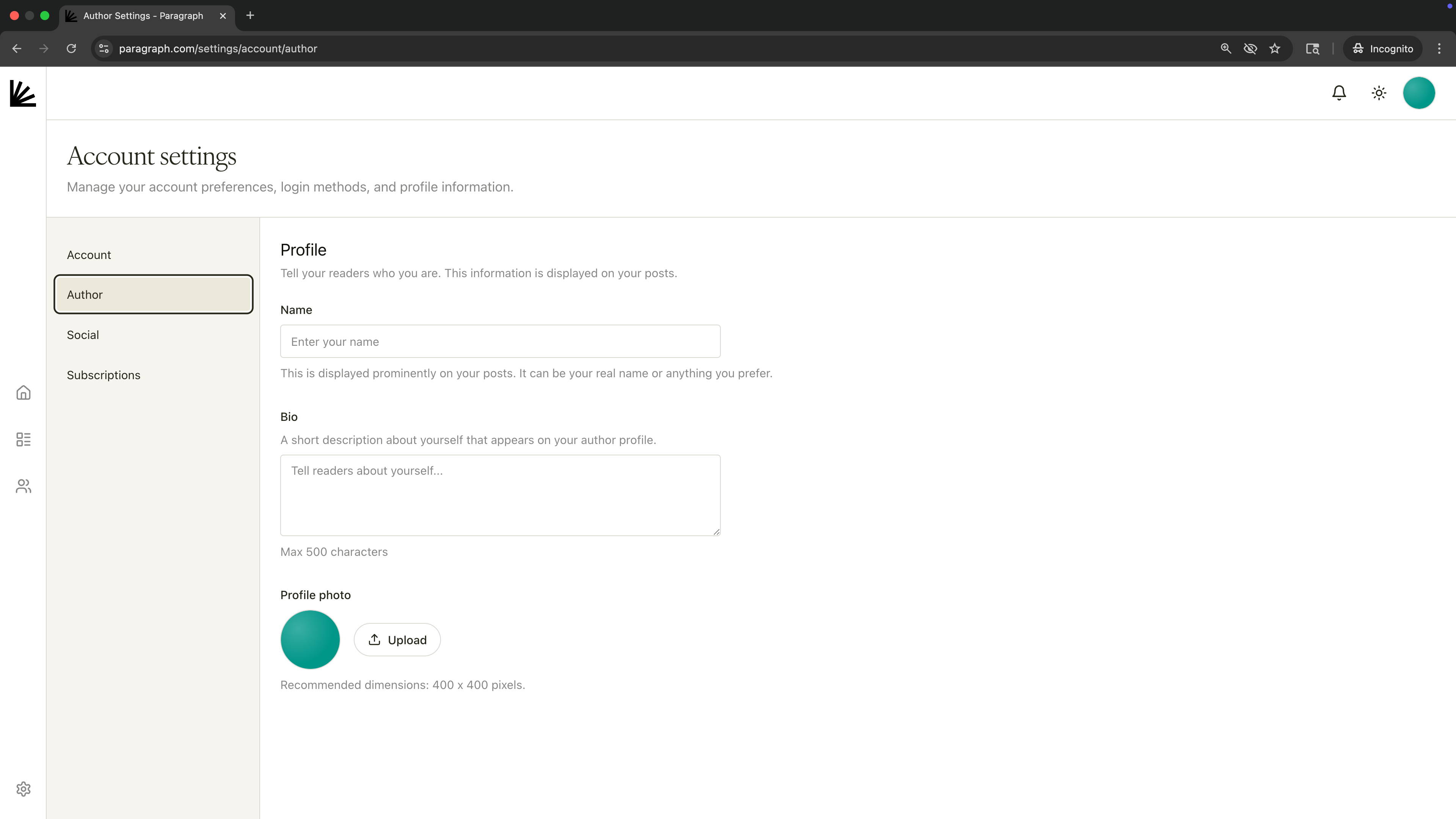
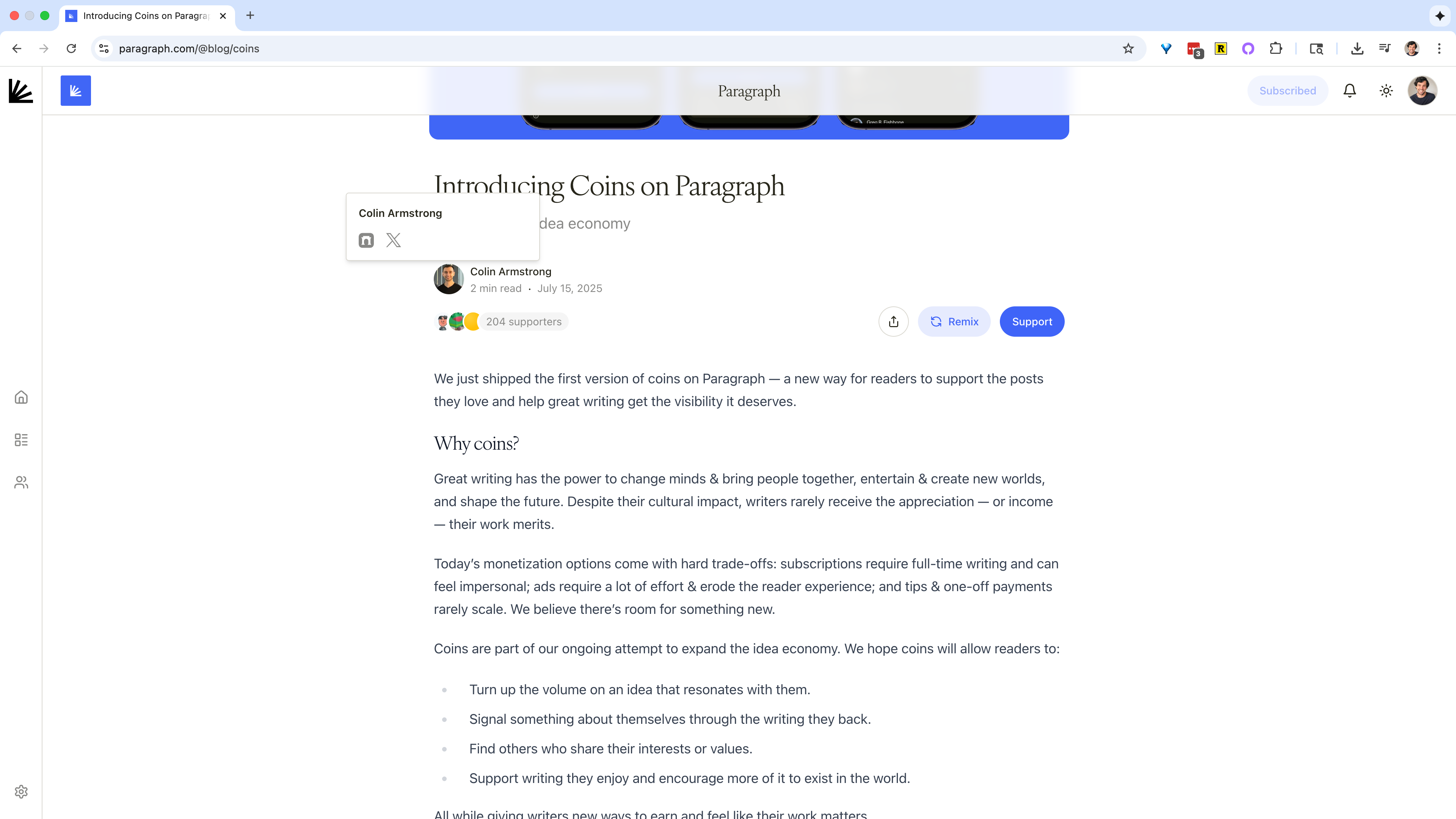
Your profile details appear on your author profile, on your posts, and whenever someone hovers over your profile pic across the Paragraph product.Where to find these settings: Avatar in top-right corner → Settings → Author.Fields:
Name – shown on your posts.
Bio – up to 500 characters; a short description that appears on your profile.