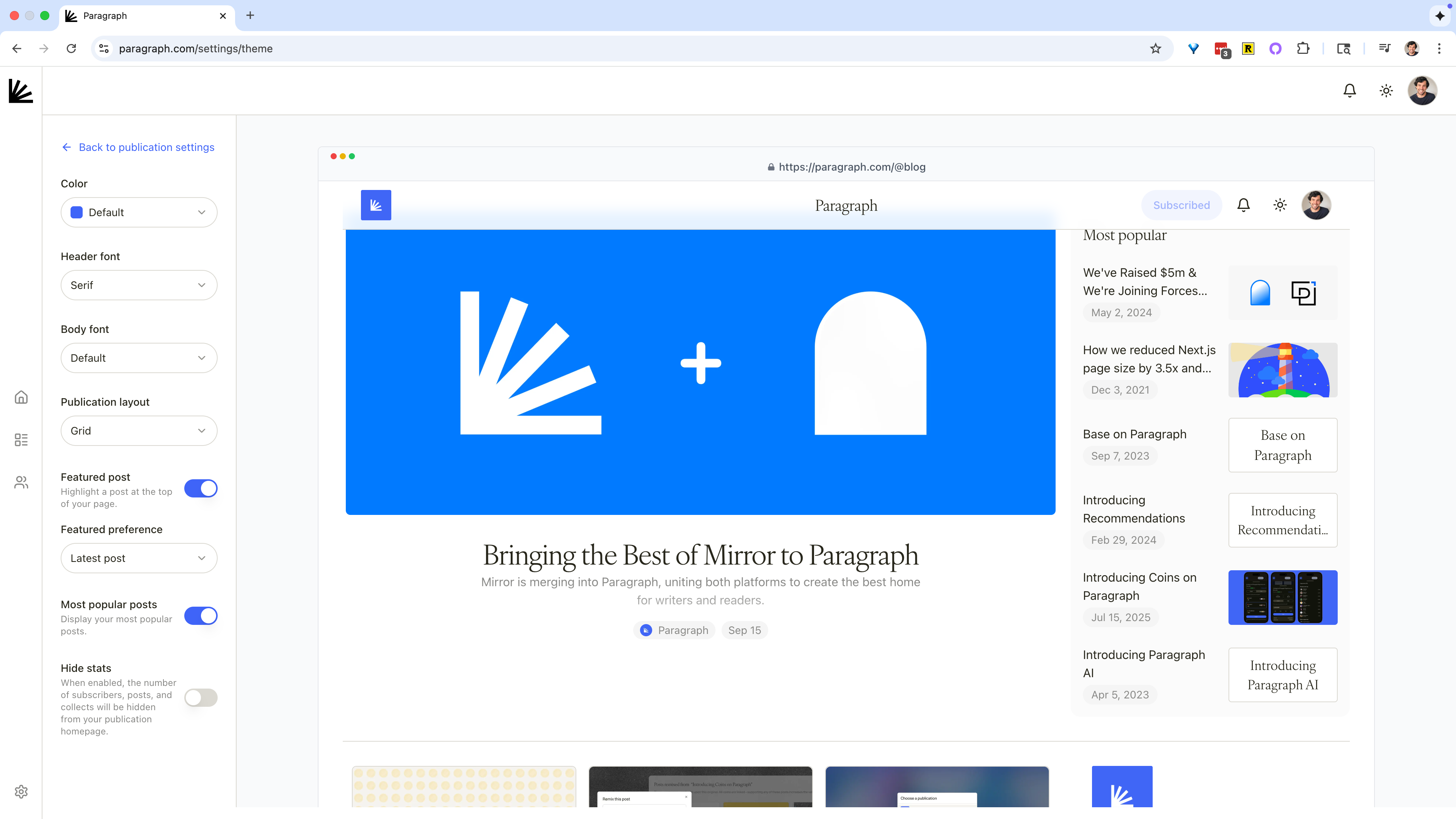
What you can customize
- Colors — choose the primary accent color for your publication.
- Fonts — pick fonts for headers and body text to match your style.
- Layout — switch between list or grid layouts for your homepage.
- Featured post — highlight a post at the top of your publication.
- Most popular posts — display your most read posts to new readers.
- Stats visibility — show subscribers, supporters, and other stats as a form of social proof for new readers.
Why it matters
A well-designed theme helps readers recognize your work, welcomes new readers to your work, and makes your publication feel like home.